Citroen C4 (2023 year). Manual in english - page 17
9-2. Customization
647
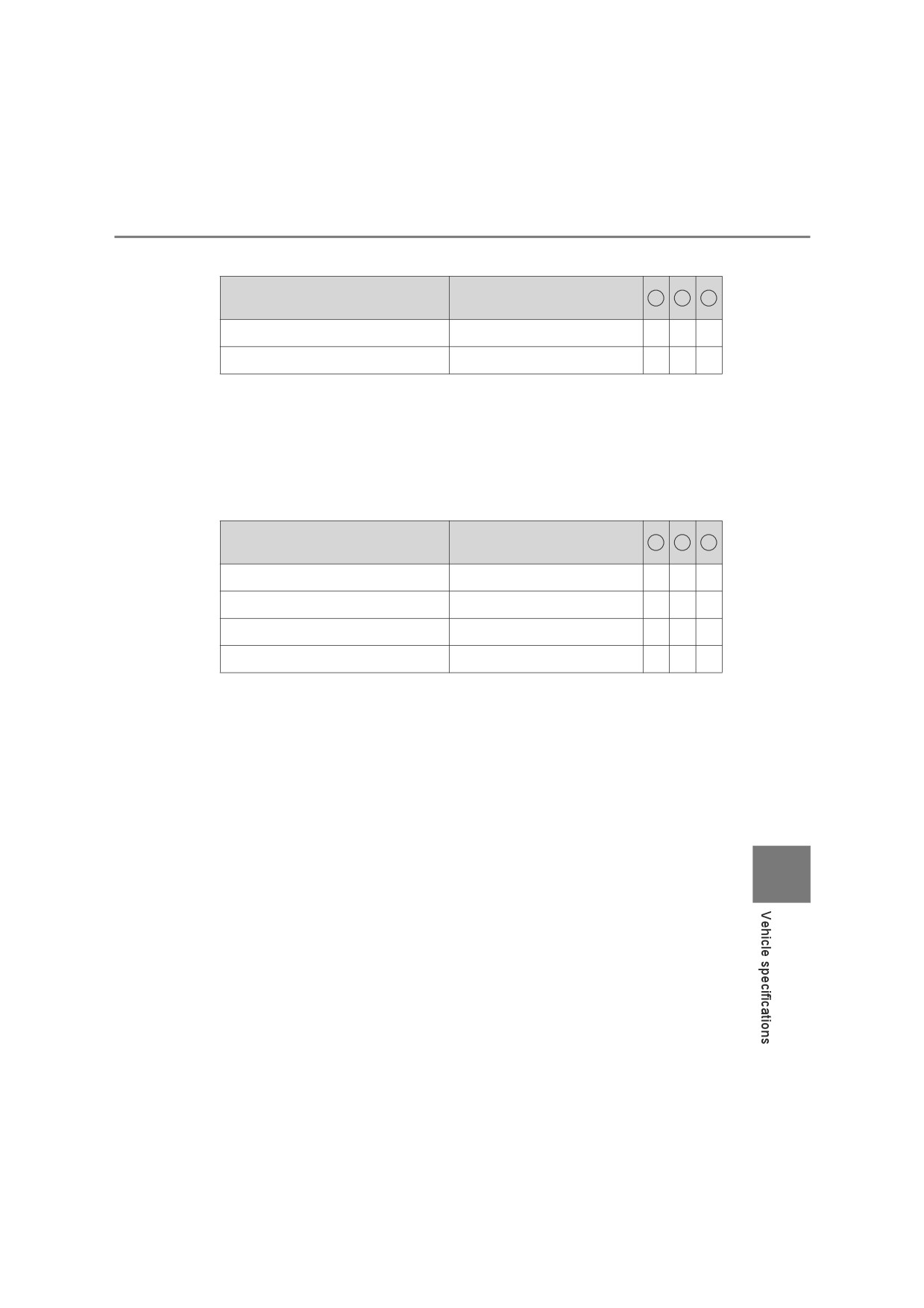
■ PCS (Pre-Collision System)*1 (P. 271)
Function
Customized setting
1
2
3
PCS (Pre-Collision System)*2
On, Off
-
O
-
Sensitivity (adjust alert timing)
Early, Middle, Late
-
O
-
*1: If equipped
*2: The system is automatically enabled each time the engine switch is
turned to the “ON” position (vehicles without smart entry & start system)
or IGNITION ON mode (vehicles with smart entry & start system).
■ LDA (Lane Departure Alert With Yaw Assist Function)*
(P. 282)
Function
Customized setting
1
2
3
Yaw Assist
On, Off
-
O
-
Warning sensitivity
Standard, High
-
O
-
Vehicle sway warning function
On, Off
-
O
-
Vehicle sway warning sensitivity
High, Standard, Low
-
O
-
*: If equipped
9
648
9-2. Customization
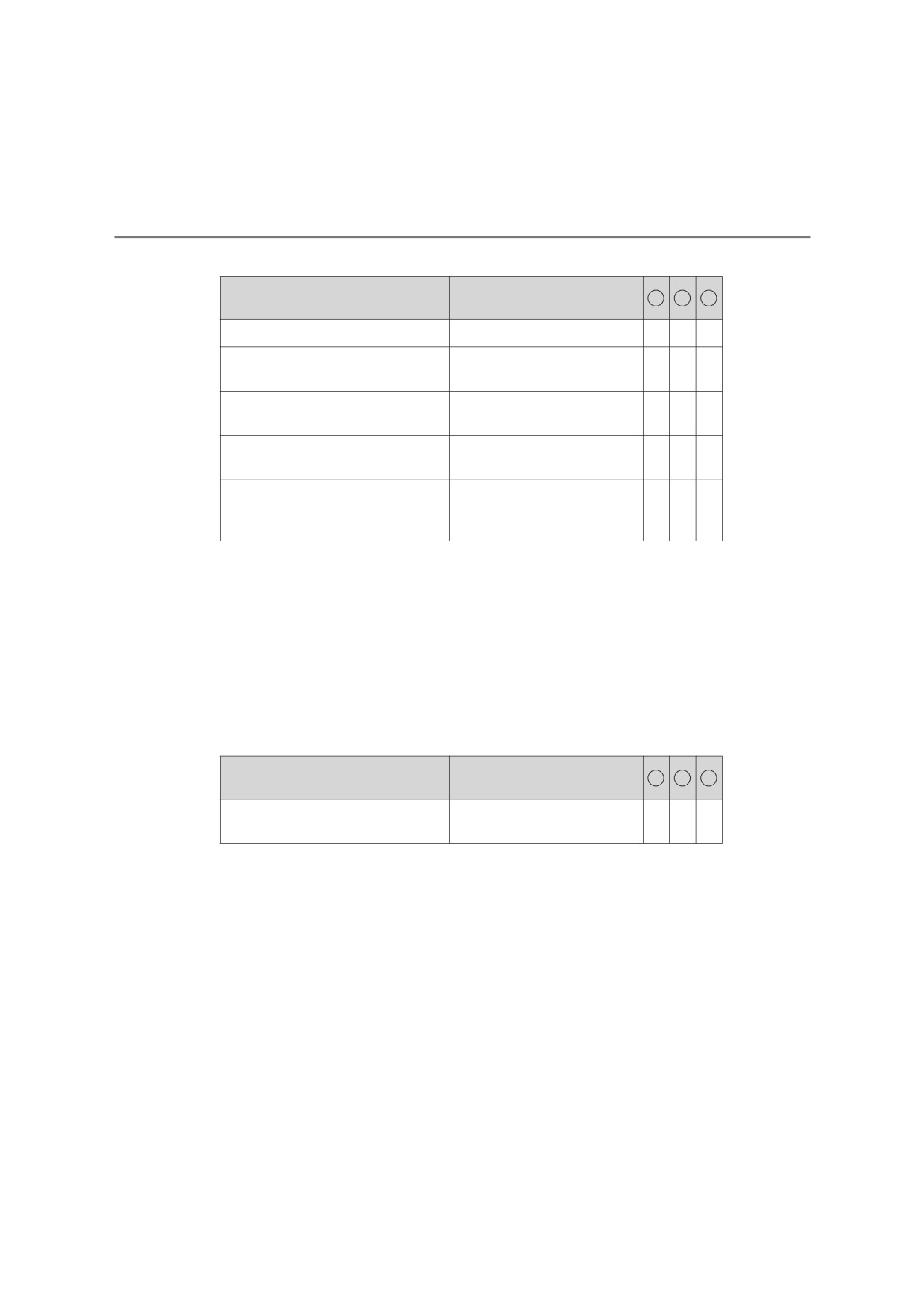
■ RSA (Road Sign Assist)*1 (P. 293)
Function
Customized setting
1
2
3
RSA (Road Sign Assist)*2
On, Off
-
O
-
Excess
speed
notification
Display only, Display and
-
O
-
method*3
buzzer, No notification
No overtaking
notification
Display only, Display and
-
O
-
method
buzzer, No notification
Other notifications method (No-
Display only, Display and
-
O
-
entry notification)*4
buzzer, No notification
2 km/h (1 mph),
Excess speed notification level
5 km/h (3 mph),
–
O
-
10 km/h (5 mph)
*1: If equipped
*2: RSA function becomes on when the engine switch is turned to the “ON”
position (vehicles without smart entry & start system) or IGNITION ON
mode (vehicles with smart entry & start system).
*3: If a speed limit with supplemental mark is exceeded, the notification buzzer
does not operate.
*4: Vehicles with navigation system
■ Dynamic Radar Cruise Control with Road Sign Assist*
(P. 310)
Function
Customized setting
1
2
3
Dynamic Radar Cruise Control
On, Off
-
O
-
with Road Sign Assist
*: If equipped
9-2. Customization
649
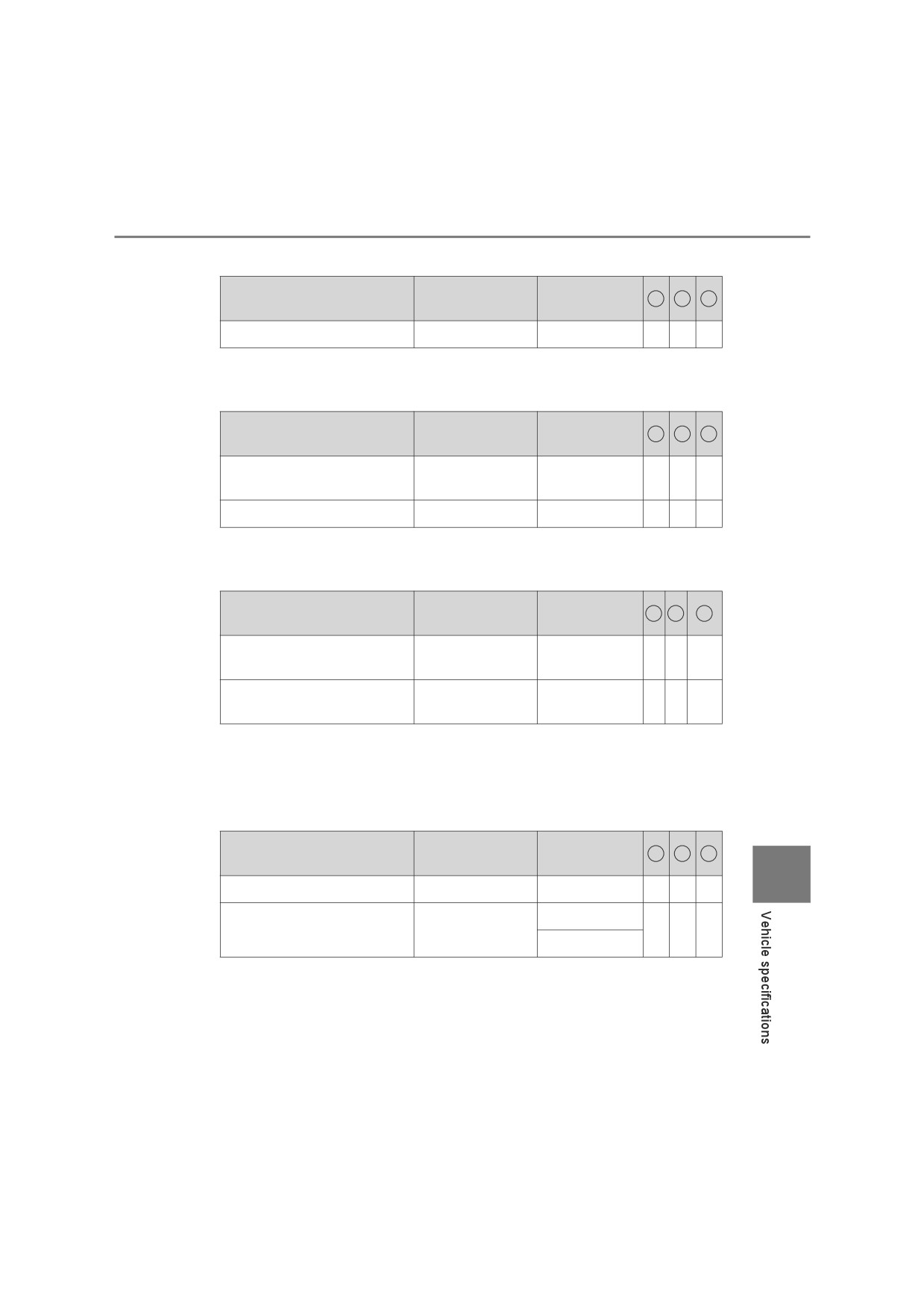
■ Stop & Start system* (P. 343)
Customized
Function
Default setting
1
2
3
setting
Idling stop
Standard
Extended
-
O
-
*: If equipped
■ Toyota parking assist-sensor* (P. 319)
Customized
Function
Default setting
1
2
3
setting
Detection distance of the
Long
Short
O
-
O
rear center sensor
Buzzer volume
Level 2
Level 1 to 3
O
-
O
*: If equipped
■ Door lock (P. 155)
Customized
Function
Default setting
1
2
3
setting
Speed linked door locking
On
Off
-
-
O*2
function*1
Driver’s door linked door
*1
Off
On
-
-
O*2
unlocking function
*1: If equipped
*2: Setting that can be changed manually (P. 155) or at any authorized
Toyota retailer or Toyota authorized repairer, or any reliable repairer
■ Smart entry & start system* (P. 161)
Customized
Function
Default setting
1
2
3
setting
9
Smart entry & start system
On
Off
-
-
O
Off
Operational signal
Level 5
-
-
O
(buzzer)*
Level 1 to 7
*: If equipped
650
9-2. Customization
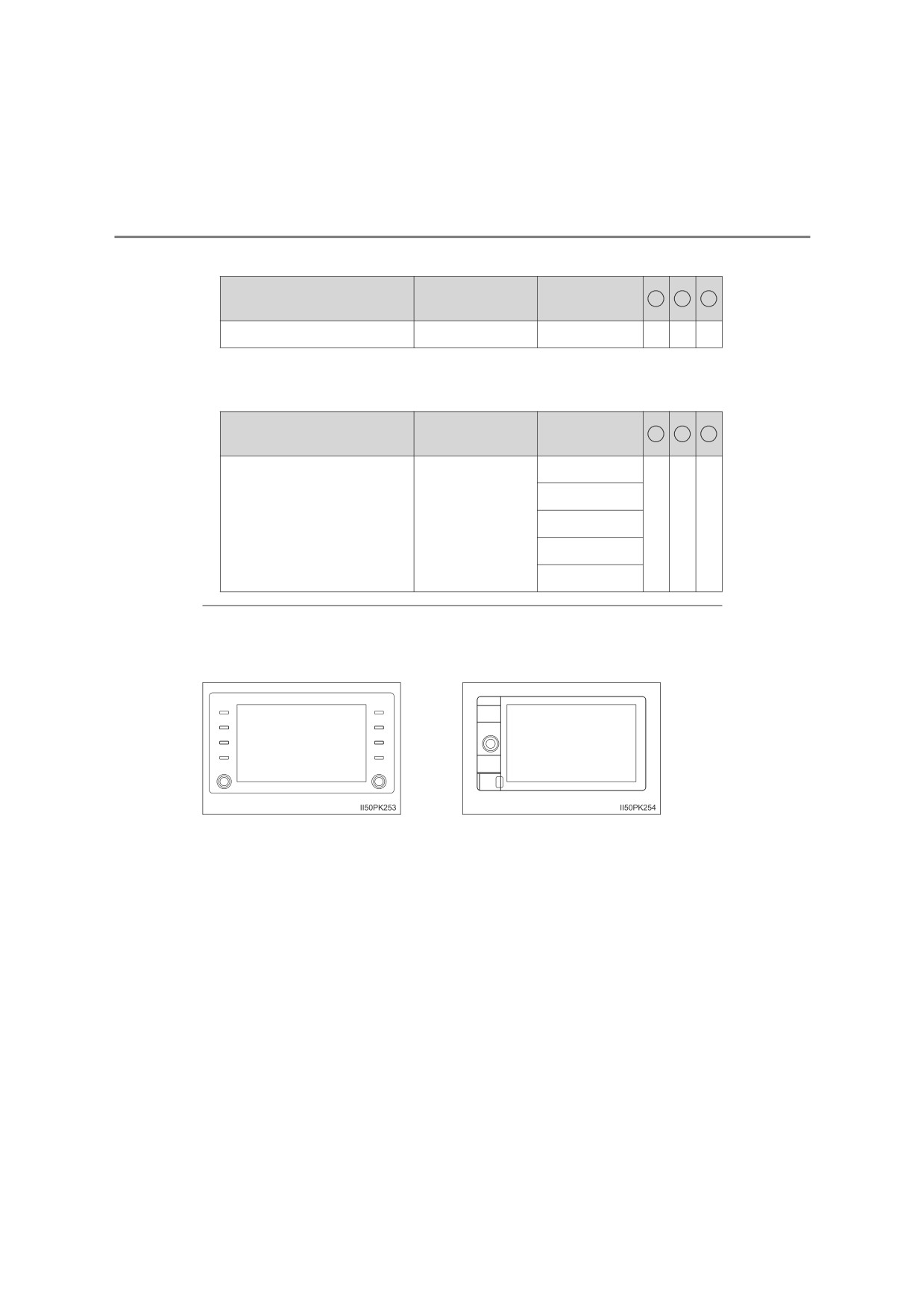
■ Automatic light control system* (P. 246)
Customized
Function
Default setting
1
2
3
setting
Light sensor sensitivity
Standard
-2 to 2
-
-
O
*: If equipped
■ Turn signal lever (P. 244)
Customized
Function
Default setting
1
2
3
setting
4
5
Times of flashing of the
3
6
-
-
O
lane change signal flashers
7
Off
■ How to identify multimedia system type
Check the type of the multimedia system in the following illustrations.
Type A
Type B
9-2. Customization
651
WARNING
■ During customization
As the engine needs to be running during customization, ensure that the
vehicle is parked in a place with adequate ventilation. In a closed area such
as a garage, exhaust gases including harmful carbon monoxide (CO) may
collect and enter the vehicle. This may lead to death or a serious health
hazard.
NOTICE
■ During customization
To prevent battery discharge, ensure that the engine is running while cus-
tomizing features.
9
652
9-3. Initialization
Items to initialize
The following items must be initialized for normal system opera-
tion after such cases as the battery is reconnected, or mainte-
nance is performed on the vehicle.
Item
When to initialize
Reference
Engine oil
maintenance data
After changing engine oil
P. 489
(if equipped)
• The battery has been rein-
Refer to the “Navi-
stalled.
gation and multi-
Panoramic view
• The steering wheel has
media system
monitor (if equipped)
been moved while the bat-
Owner’s manual”
tery was being reinstalled.
or “Multimedia
• The battery power is low.
Owner’s Manual”
653
Index
What to do if...
(Troubleshooting)
654
Alphabetical index
658
For vehicles with navigation system or multimedia system,
refer to the
“Navigation and multimedia system Owner’s
manual” or
“Multimedia Owner’s Manual” for information
regarding the equipment listed below.
• Navigation system
• Audio system
• Panoramic view monitor
• Rear view monitor system
654
What to do if... (Troubleshooting)
What to do if... (Troubleshooting)
If you have a problem, check the following before contacting any
authorized Toyota retailer or Toyota authorized repairer, or any
reliable repairer.
The doors cannot be locked, unlocked, opened or closed
You lose your keys
● If you lose your keys or mechanical keys, new genuine keys or mechanical
keys can be made by any authorized Toyota retailer or Toyota authorized
repairer, or any reliable repairer. (P. 149)
● Vehicles with smart entry & start system:
If you lose your electronic keys, the risk of vehicle theft increases signifi-
cantly. Contact any authorized Toyota retailer or Toyota authorized
repairer, or any reliable repairer immediately. (P. 150)
The doors cannot be locked or unlocked
● Is the key battery weak or depleted? (P. 514)
● Vehicles with smart entry & start system:
Is the engine switch in IGNITION ON mode?
When locking the doors, turn the engine switch off. (P. 224)
● Vehicles with smart entry & start system:
Is the electronic key left inside the vehicle?
When locking the doors, make sure that you have the electronic key on
your person.
● The function may not operate properly due to the condition of the radio
wave. (P. 156, 164)
The rear door cannot be opened
(vehicles with rear door child-protector lock)
● Is the rear door child-protector lock set?
The rear door cannot be opened from inside the vehicle when the lock is
set. Open the rear door from outside and then unlock the rear door child-
protector lock. (P. 154)

What to do if... (Troubleshooting)
655
If you think something is wrong
The engine does not start
(vehicles without smart entry & start system)
● Vehicles with manual transmission:
Do you turn the key with the clutch pedal depressed firmly? (P. 218)
● Vehicles with automatic transmission:
Is the shift lever in P? (P. 218)
● Is the steering wheel unlocked? (P. 220)
● Is the battery discharged? (P. 602)
The engine does not start
(vehicles with smart entry & start system)
● Did you press the engine switch while firmly depressing the brake pedal?
(P. 221)
● Vehicles with automatic transmission:
Is the shift lever in P? (P. 221)
● Is the electronic key anywhere detectable inside the vehicle? (P. 162)
● Is the steering wheel unlocked? (vehicles with manual transmission)
(P. 226)
● Is the electronic key battery weak or depleted?
In this case, the engine can be started in a temporary way. (P. 599)
● Is the battery discharged? (P. 602)
The shift lever cannot be shifted from P even if you depress
the brake pedal (vehicles with automatic transmission)
● Vehicles without smart entry & start system:
Is the engine switch in the “ON” position?
If you cannot release the shift lever by depressing the brake pedal with the
engine switch in the “ON” position: P. 235
● Vehicles with smart entry & start system:
Is the engine switch in IGNITION ON mode?
If you cannot release the shift lever by depressing the brake pedal with the
engine switch in IGNITION ON mode: P. 235
656
What to do if... (Troubleshooting)
The steering wheel cannot be turned after the engine is
stopped
● Vehicles without smart entry & start system:
It is locked to prevent theft of the vehicle if the key is removed from the
engine switch. (P. 220)
● Vehicles with smart entry & start system and manual transmission:
It is locked automatically to prevent theft of the vehicle. (P. 226)
The windows do not open or close by operating the power
window switches (if equipped)
● Is the window lock switch pressed?
The power window except for the one at the driver’s seat cannot be oper-
ated if the window lock switch is pressed. (P. 184)
The engine switch is turned off automatically
(vehicles with smart entry & start system)
● The auto power off function will be operated if the vehicle is left in ACCES-
SORY or IGNITION ON mode (the engine is not operating) for a period of
time. (P. 225)
A warning buzzer sounds during driving
● The seat belt reminder light is flashing
Are the driver and passengers wearing the seat belts? (P. 568)
● The parking brake indicator light is on
Is the parking brake released? (P. 245)
Depending on the situation, other types of warning buzzer may also sound.
(P. 564, 573)
An alarm is activated and the horn sounds (if equipped)
● Did anyone inside the vehicle open a door during setting the alarm?
The sensor detects it and the alarm sounds. (P. 115)
To stop the alarm, turn the engine switch to the “ON” position (vehicles with-
out smart entry & start system) or IGNITION ON mode (vehicles with smart
entry & start system) or start the engine.
What to do if... (Troubleshooting)
657
A warning buzzer sounds when leaving the vehicle
(vehicles with smart entry & start system)
● Is the message displayed on the multi-information display?
Check the message on the multi-information display.
A warning light turns on or a warning message is displayed
● When a warning light turns on or a warning message is displayed, refer to
P. 564, 573.
When a problem has occurred
If you have a flat tire
● Stop the vehicle in a safe place and replace the flat tire with the spare tire.
(P. 579)
The vehicle becomes stuck
● Try the procedure for when the vehicle becomes stuck in mud, dirt, or
snow. (P. 613)
804
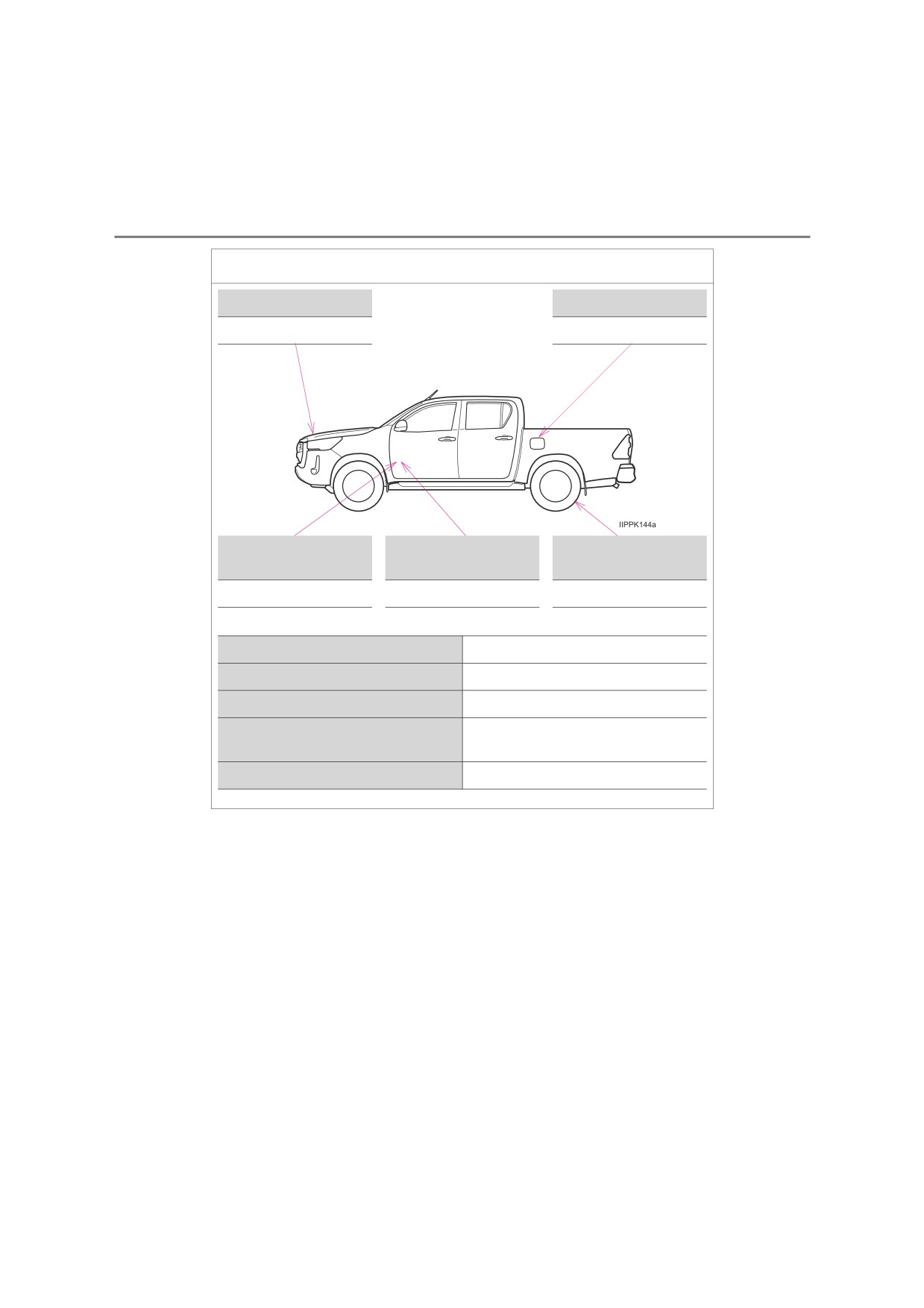
GAS STATION INFORMATION
Auxiliary catch lever
Fuel filler door*
P. 482
P. 261
Hood lock release
Fuel filler door
Tire inflation pressure
lever
opener*
P. 482
P. 261
P. 637
Fuel tank capacity (Reference)
80 L (21.1 gal., 17.6 Imp.gal.)
Fuel type
P. 625
Cold tire inflation pressure
P. 637
Engine oil capacity
P. 626
(Drain and refill — reference)
Engine oil type
P. 626
*: If equipped