Citroen C4 Dag (2013 year). Manual - part 16
03
239
For the details of the menus, refer to the "Screen menu map"
section.
For cleaning the screen, the use of a soft, non-abrasive cloth
(spectacles cloth) is recommended, with no additional product.
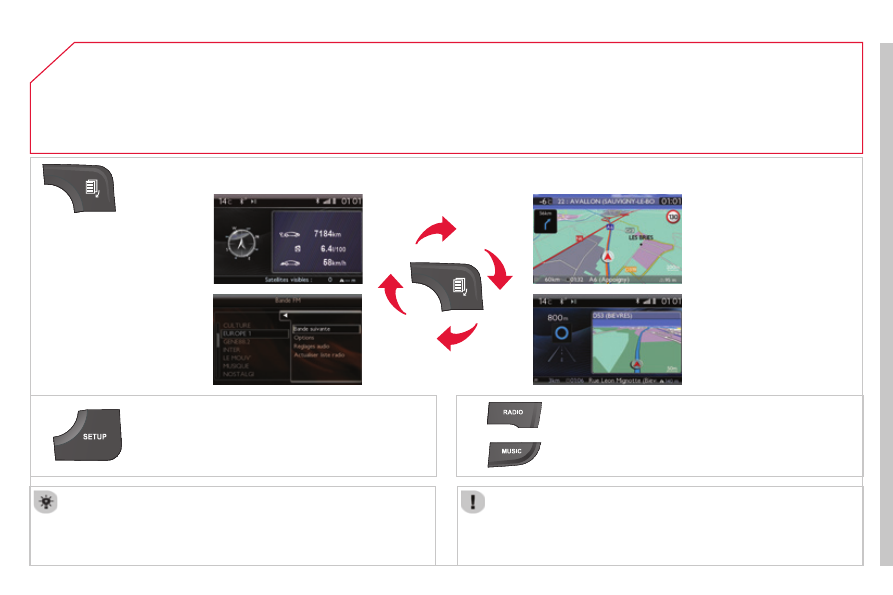
" TRIP COMPUTER "
(Permanent display)
" RADIO "
SETUP : PARAMETERS date and time, display
confi guration, sound, vehicle settings.
Changing the audio source:
RADIO : RADIO broadcasts.
MUSIC : playing MUSIC.
Press the MODE button several times in succession for access to the following displays:
GENERAL OPERATION
" FULL SCREEN MAP "
" MAP IN WINDOW "
(If navigation guidance in
progress)