Peugeot 207 CC (2014 year). Manual - part 14
207
1
2
3
SOURCE
06
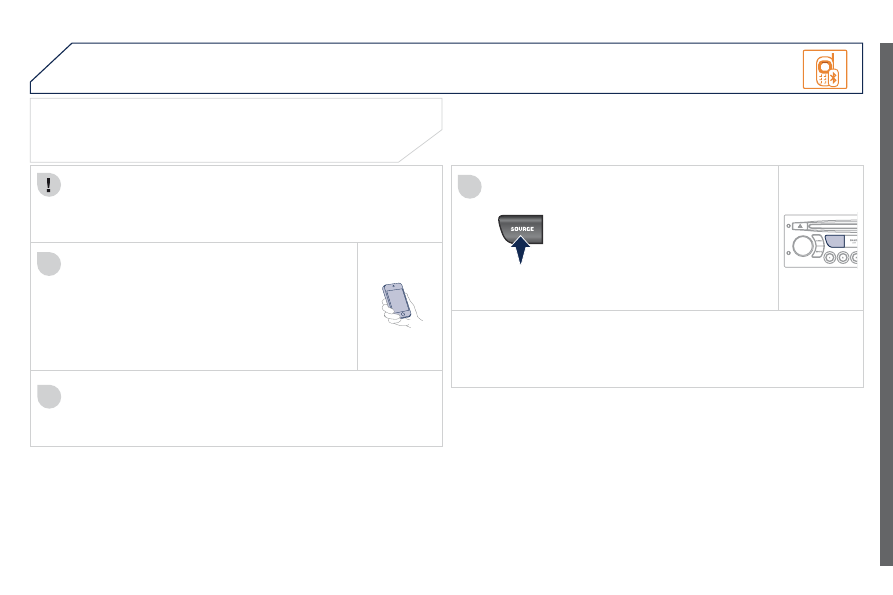
Initiate the pairing between the telephone and the
vehicle. This pairing can be initiated from the vehicle's
telephone function menu or via the telephone's
keypad. See steps 1 to 9 on the previous pages.
During the pairing phase, the vehicle must be
stationary with the key in the ignition.
Select the telephone to be connected from the telephone function
menu.
The audio system connects to a newly paired telephone
automatically.
BLUETOOTH AUDIO STREAMING *
Wireless transmission of the telephone's music fi les via the audio
equipment. The telephone must be able to manage the appropriate
Bluetooth profi les (Profi les A2DP/AVRCP).
* Depending on the compatibility of the telephone.
** In certain cases, playing of the Audio fi les must be initiated from the
keypad.
*** If the telephone supports the function.
Activate the streaming source by
pressing the SOURCE button ** .
The tracks to be played can be
controlled as usual via the buttons on
the audio system control panel and
the steering mounted controls *** .
The contextual information can be
displayed on the screen.
BLUETOOTH