Nissan NV200 Compact Cargo Van (2018 year). Manual - part 9
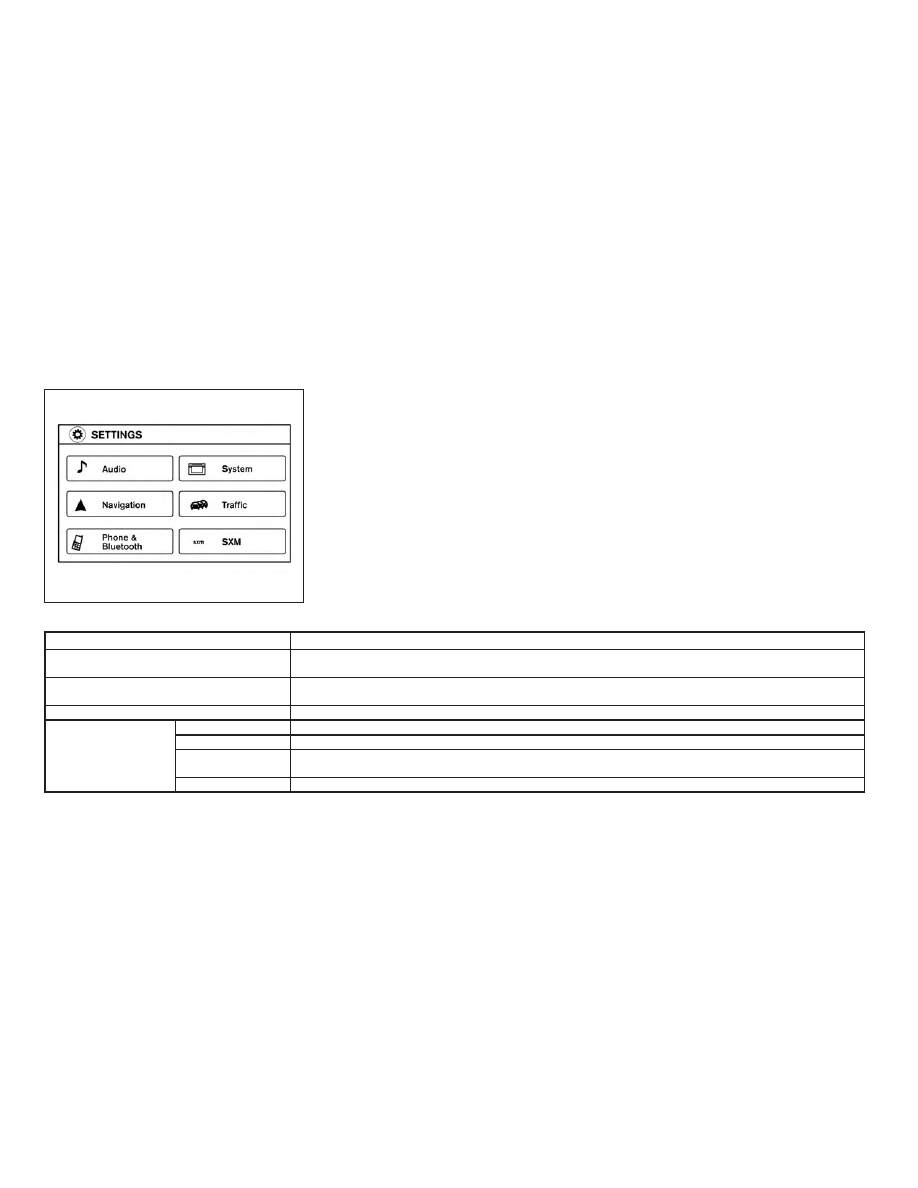
Touch-screen operation
Menu Item
Result
Selecting the item
Touch an item to select . To select the “Audio” key, touch the “Audio” key on the screen. Touch the “BACK” key to
return to the previous screen.
Adjusting the item
Touch the “+” key or the “
⫺” key to adjust the settings of an item. Touch the up arrow to scroll up the page one
item at a time. Touch the down arrow to scroll down the page one item at a time.
Inputting characters
Touch the letter or number key. There are some options available when inputting characters.
123/ABC
Changes the available character set to numbers.
Space
Inserts a space.
Delete
Deletes the last inputted character with one touch. Touch and hold the “Delete” key to delete all of the
characters.
OK
Completes the character input.
LHA2916
4-6
Monitor, climate, audio, phone and voice recognition systems