Lexus RZ450E (2023 year). Manual in english - page 11
339
6-2. Using the safe driving support functions
6
Driving
suppo
rt
sys
te
m
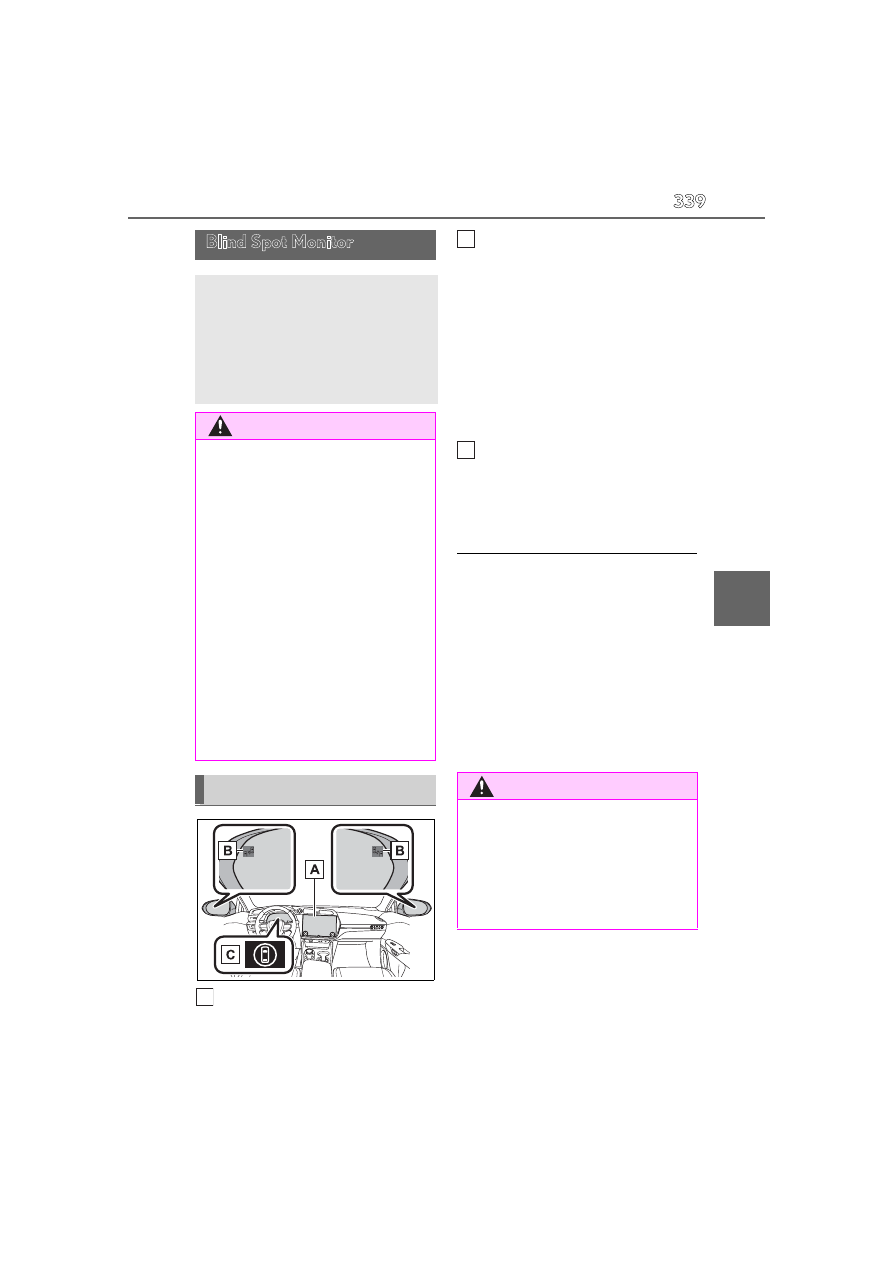
Center Display
Turning the blind spot monitor on/off.
Outside rear view mirror indica-
tors/buzzer
When a vehicle is detected in a blind spot
of the outside rear view mirrors or
approaching rapidly from behind into a
blind spot, the outside rear view mirror
indicator (
P.240) on the detected side
will illuminate. If the turn signal lever is
operated toward the detected side, the
outside rear view mirror indicator flashes
and a buzzer sounds.
Driving assist information indicator
Illuminates when the blind spot monitor is
turned off. At this time, “Blind Spot Monitor
OFF” will be displayed on the multi-infor-
mation display.
■
Outside rear view mirror indicator visi-
bility
In strong sunlight, the outside rear view mir-
ror indicator may be difficult to see.
■
Buzzer
If the volume setting of the audio system is
high or the surrounding area is loud, it may
be difficult to hear the buzzer.
■
Customization
Some functions can be customized.
(
Blind Spot Monitor
The blind spot monitor is a system
that uses rear side radar sensors
installed on the inner side of the
rear bumper on the left and right
side to assist the driver in confirm-
ing safety when changing lanes.
WARNING
■
Cautions regarding the use of the sys-
tem
●
The driver is solely responsible for safe
driving. Always drive safely, taking
care to observe your surroundings.
●
The blind spot monitor is a supplemen-
tary function which alerts the driver
that a vehicle is in a blind spot of the
outside rear view mirrors or is
approaching rapidly from behind into a
blind spot. Do not overly rely on the
blind spot monitor. As the function
cannot judge if it is safe to change
lanes, over reliance could lead to an
accident resulting in death or serious
injury. As the system may not function
correctly under certain conditions, the
driver’s own visual confirmation of
safety is necessary.
System components
A
WARNING
■
To ensure the system can operate
properly
Blind spot monitor sensors are installed
behind the left and right sides of the rear
bumper respectively. Observe the fol-
lowing to ensure the blind spot monitor
can operate correctly.
B
C