Lexus RX350h (2023 year). Manual in english - page 14
441
5-5. Using the other interior features
5
In
te
rio
r fe
atu
re
s
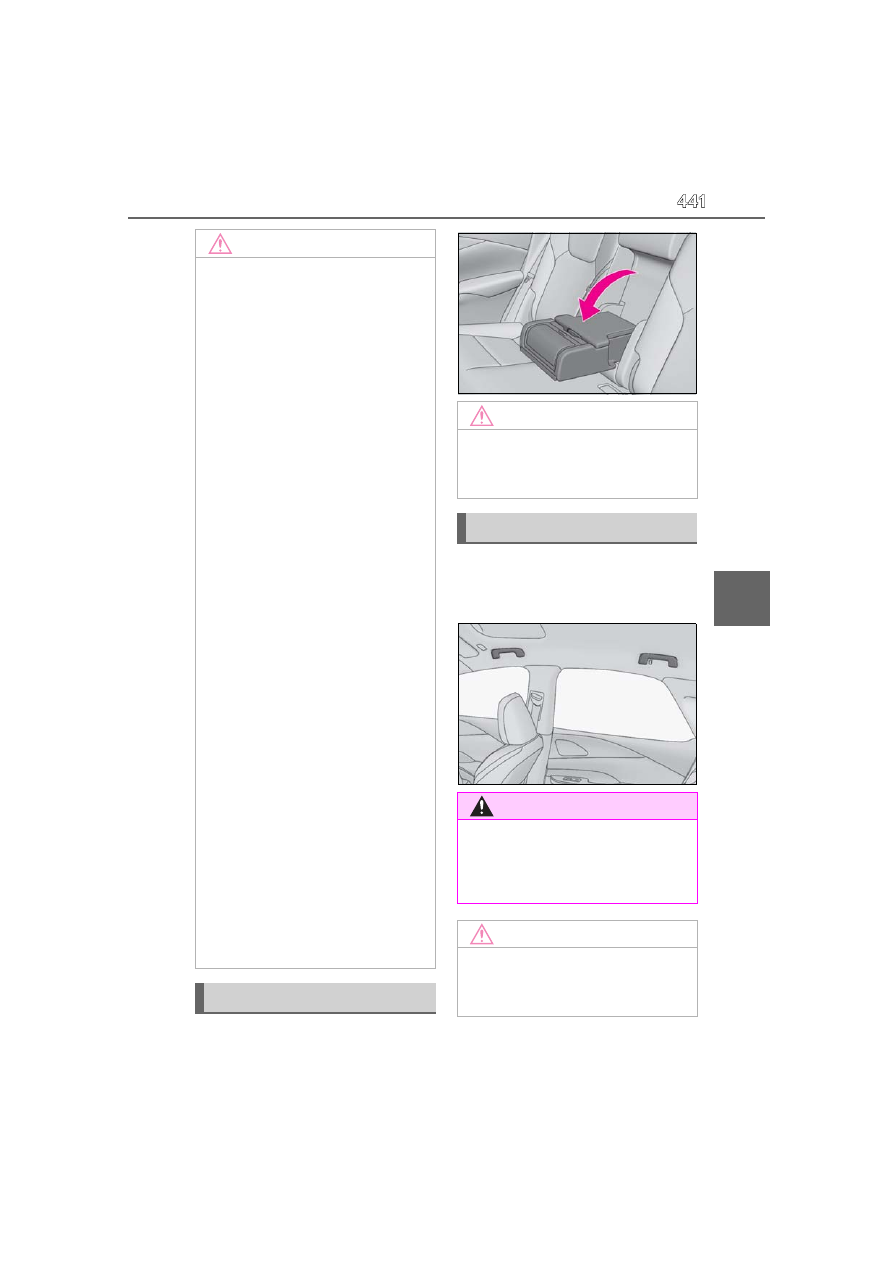
Pull the armrest down for use.
An assist grip installed on the ceiling
can be used to support your body
while sitting on the seat.
NOTICE
■
To prevent failure or damage to data
●
Do not place magnetic cards, such as a
credit card, or magnetic recording
media, close to the wireless charger
while charging. Otherwise, data may
be erased due to the influence of mag-
netism. Additionally, do not bring pre-
cision instruments such as wrist
watches, close to the wireless charger,
as such objects may malfunction.
●
Do not perform charging with a con-
tactless smart card, such as a transpor-
tation system IC card, between the
charging surface of a portable device
and the charging area. The IC chip in
the card may become extremely hot,
possibly damaging the portable device
or smart card.
Be extra careful to not charge a porta-
ble device with a case or cover which a
contactless smart card can be
inserted.
●
Do not leave portable devices in the
cabin. The temperature inside the
cabin may become high when parked
in the sun, and cause damage to the
device.
■
When the OS of a smartphone has
been updated
When the OS version of a smartphone
has been changed, the charging specifi-
cations may have changed. If the WPC
compatibility version is changed, the
rapid charging function may no longer
be able to be used. For details, check for
information on the website for the smart-
phone manufacturer.
■
To prevent 12-volt battery discharge
Do not use the wireless charger for a
long period of time with the hybrid sys-
tem stopped.
Armrest
NOTICE
■
To prevent damage to the armrest
Do not apply too much load on the arm-
rest.
Assist grips
WARNING
■
Assist grip
Do not use the assist grip when getting in
or out of the vehicle or rising from your
seat.
NOTICE
■
To prevent damage to the assist grip
Do not hang any heavy object or put a
heavy load on the assist grip.