Lexus ES (2023 year). Manual in english - page 5
70
1-3. Emergency assistance
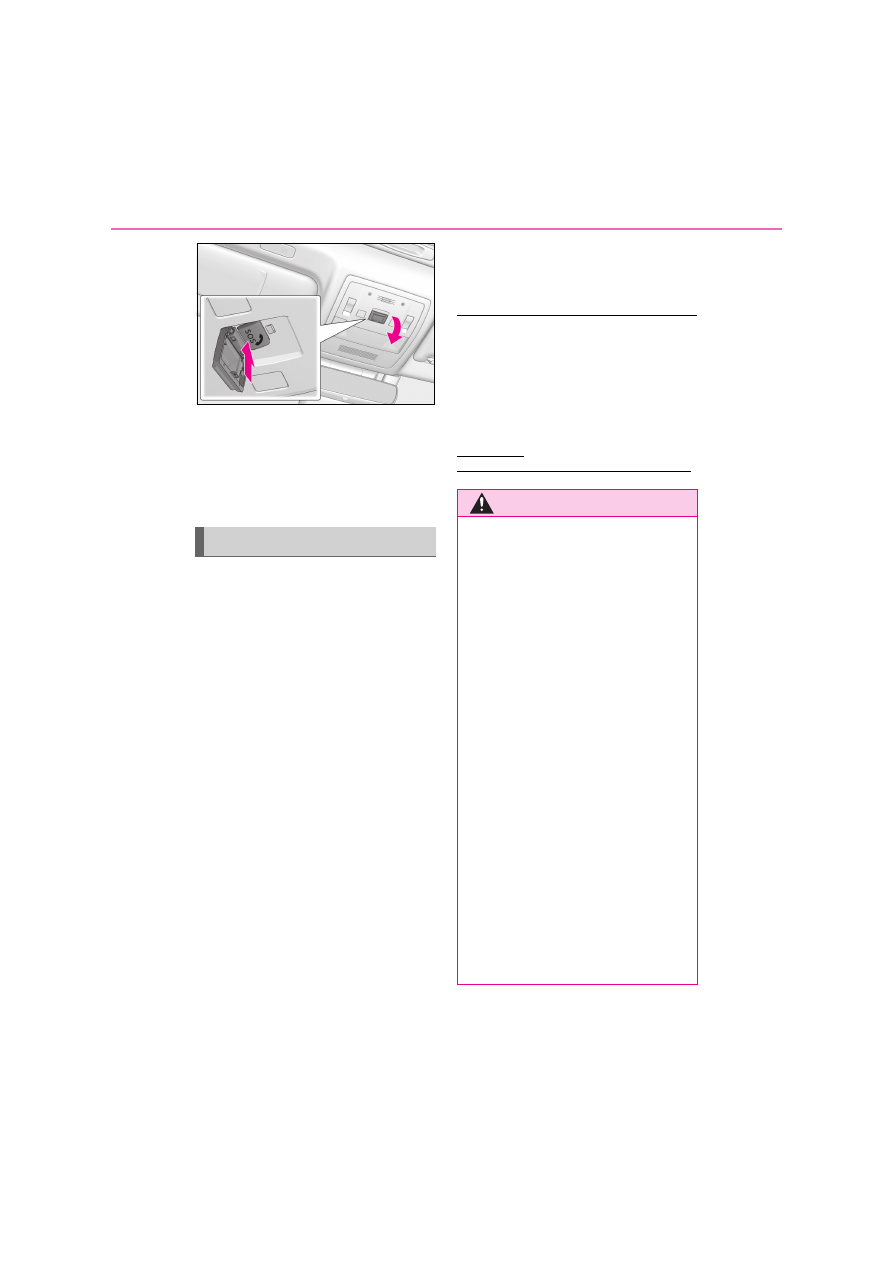
If you accidentally press the “SOS” button,
tell the operator that you are not experi-
encing an emergency.
*
: In some cases, the call cannot be made.
(
P.70)
When the power switch is turned to
ON mode, the red indicator light will
illuminate for 10 seconds. Then, the
green indicator light will illuminate for
2 seconds and remain illuminated if the
system is functioning properly. The
indicator lights indicate the following:
If the green indicator light illumi-
nates and stays on, the system is
enabled.
If the green indicator light flashes, an
automatic or manual Emergency
Call is being made.
If the red indicator light illuminates
and a buzzer sounds 5 times (on
some models) at any time other than
immediately after the power switch
is turned to ON mode, the system
may be malfunctioning or the
backup battery may be depleted.
If the red indicator light blinks for
approximately 30 seconds during
an Emergency Call, the call has
been disconnected or the cellular
network signal is weak.
■
Free/Open Source Software Informa-
tion
This product contains Free/Open Source
Software (FOSS).
The license information and/or the source
code of such FOSS can be found at the fol-
lowing URL.
http://www.
opensourceautomotive.com/dcm/19MC/
Indicator lights
WARNING
■
When the Emergency Call may not
be made
●
It may not be possible to make Emer-
gency Calls in any of the following situ-
ations. In such cases, report to
emergency services provider (112 sys-
tem etc.) by other means such as
nearby public phones.
• Even when the vehicle is in the cellular
phone service area, it may be difficult
to connect to the eCall control center
if the reception is poor or the line is
busy. In such cases, even though the
system attempts to connect to the
eCall control center, you may not be
able to connect to the eCall control
center to make Emergency Calls and
contact emergency services.
• When the vehicle is out of the cellular
phone service area, the Emergency
Calls cannot be made.
• When any related equipment (such as
the “SOS” button panel, indicator
lights, microphone, speaker, DCM,
antenna, or any wires connecting the
equipment) is malfunctioning, dam-
aged or broken, the Emergency Call
cannot be made.