Harley Davidson 2019 Boom GTS. Manual - page 7
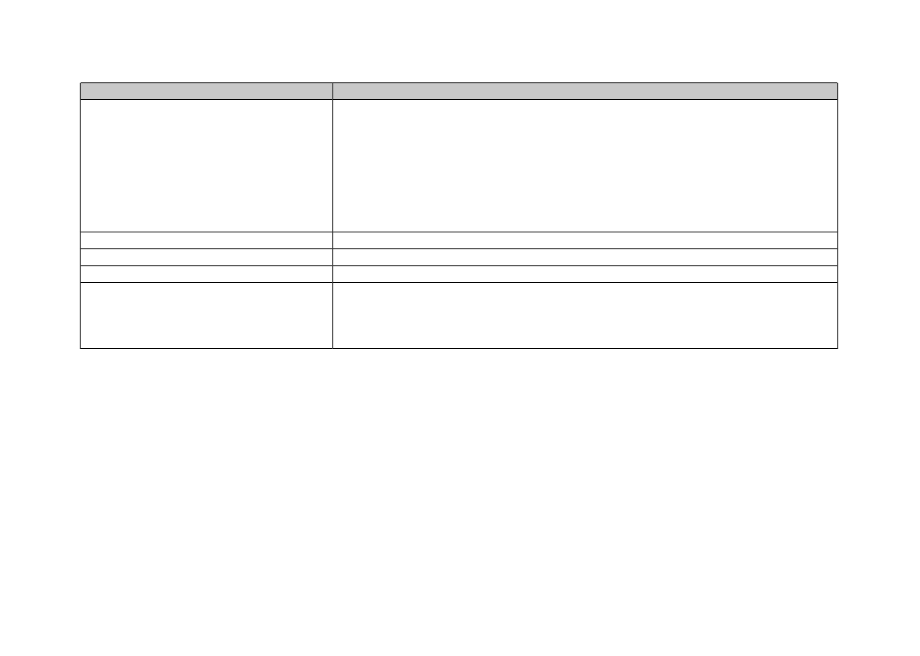
Table 47. Voice Recognition: Navigation Commands
DESCRIPTION
COMMAND
Provides a list of stores or brands that match the requested POI. Select an item from
the pick list to begin navigation to the POI.
Note:
POI types (such as
FIND NEXT GAS STATION
) and brand names (such as
FIND NEXT SHELL
) are read from the navigation database. Not all POI names are
translated by Boom! Box software into recognizable command words. Voice recognition
matching can be made more difficult when the names consist of multiple words or
syllables. If a particular name does not produce recognizable results, try synonyms
or other variations of a POI command.
FIND NEXT <POI>
Displays the navigation map.
SHOW MAP
Cancels the current route.
CANCEL ROUTE GUIDANCE
Replays the navigation instructions for the next turn.
REPEAT INSTRUCTIONS
Begins entering destination information into the address screen.
Example:
When saying ENTER STATE, the prompter responds with "Say the State
Name". After providing the state name, the system continues to prompt for the remain-
ing address fields on the screen.
ENTER <COUNTRY, STATE, CITY, ZIP
CODE, STREET, HOUSE NUMBER>
INTERCOM
The intercom allows the rider and passenger to talk with each
other through the headsets. The intercom can be operated by
pressing the PTT switch or by using voice operated
transmission (VOX). When voice input is picked up by the rider
or passenger microphone, the intercom is automatically
activated. This process is known as "breaking VOX".
The rider or passenger can initiate intercom communication.
When the intercom is active, tuner and media volume are
automatically reduced so the intercom can be heard through
the headsets.
For privacy, the intercom is only heard through the rider and
passenger headsets. It is not heard through the speakers.
Microphone sensitivity and headset volume can be adjusted.
The microphone sensitivity (VOX) applies to both rider and
passenger microphones. The rider and passenger headset
volumes are adjusted independently.
176 Communications
Information accurate as of January 28th, 2019. Go to https://serviceinfo.harley-davidson.com to check for the latest version.