Ford E-350 (2012 year). Manual - part 7
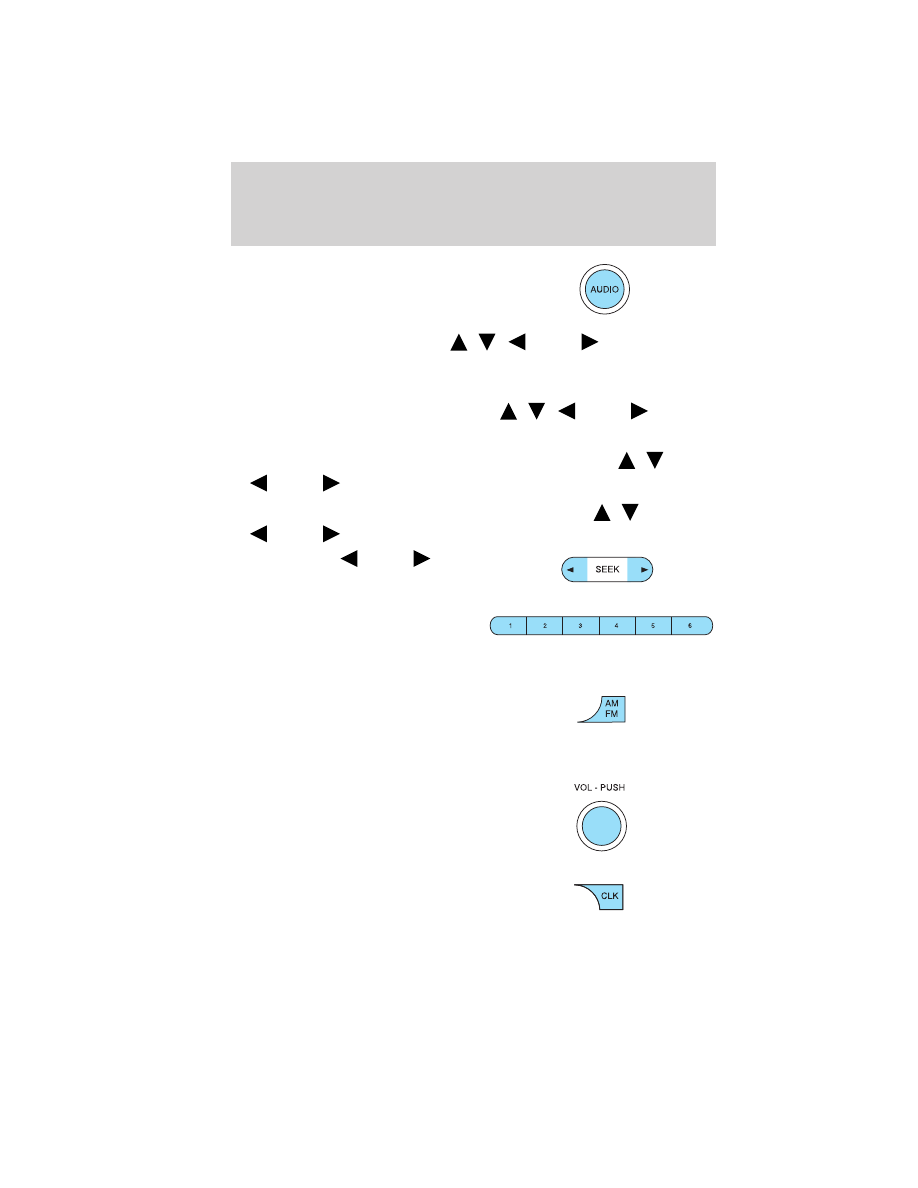
2. AUDIO: Press AUDIO repeatedly
to gain access to the following
settings:
• BAL (Balance): Press AUDIO to
reach the balance setting. Use
/
/
SEEK
to adjust the
audio between the left (L) and right (R) speakers.
• FAD (Fade)–If equipped with four speaker audio system: Press
AUDIO to reach the fade feature. Use
/
/
SEEK
to
adjust the audio between the front (F) and back (B) speakers.
• TREB (Treble): Press to adjust the treble setting. Use
/
/
SEEK
to adjust.
• BASS (Bass): Press to adjust the bass setting. Use
/
/
SEEK
to adjust.
3. SEEK: Press
SEEK
to
access the previous/next strong
station.
4. Memory presets: To set a
station: Select frequency band
AM/FM1/FM2; tune to a station,
press and hold a preset button until sound returns. You can save up to
18 stations, six in AM, six in FM1 and FM2.
5. AM/FM: Press AM/FM repeatedly
to cycle through: AM > FM1 > FM2
> IN (auxiliary input jack). For
more information on the auxiliary input jack, refer to Line in, auxiliary
input jack later in this chapter.
6. ON/OFF/Volume: Press
VOL-PUSH to turn ON/OFF. Turn
VOL-PUSH to increase/decrease
volume.
7. CLK (Clock): Press CLK to
toggle between displaying the radio
frequency and the clock setting.
Entertainment Systems
30