Citroen C4 Dag (2013 year). Manual - part 11
9
D R I V I N G
159
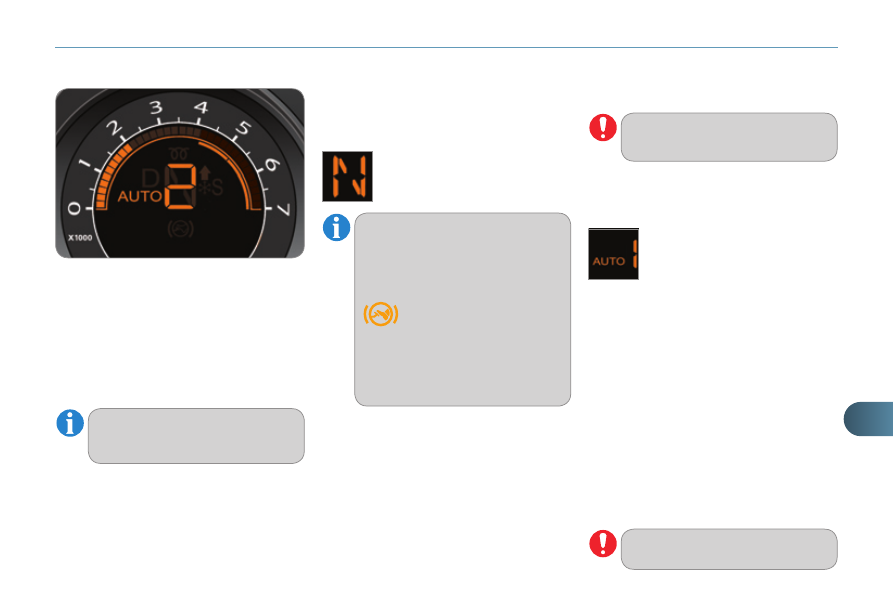
Displays in the instrument panel
Gear lever positions
N. Neutral
R. Reverse
1, 2, 3, 4, 5, 6. Gears in sequential
mode.
AUTO. This comes on when the automated
mode is selected. It switches off on
changing to sequential mode.
You must press the brake pedal
when starting the engine.
Select position N .
Press the brake pedal down fully.
Start the engine.
Moving off
Select automated mode (position A )
or sequential mode (position M ) or
reverse (position R ).
Release the parking brake unless it
is programmed to automatic mode.
Progressively take your foot off the
brake pedal.
Accelerate away.
Automated mode
Select position A .
For optimum acceleration, for example
when overtaking another vehicle, press
the accelerator pedal fi rmly past the
point of resistance.
Engagement of reverse gear is ac-
companied by an audible signal.
N fl ashes in the instrument panel,
accompanied by an audible sig-
nal and a message in the multi-
function screen, if the gear lever
is not in position N on starting.
AUTO and 1 , 1 or R appear in the in-
strument panel screen.
The gearbox operates in auto-active
mode, without any action on the part
of the driver. It continuously selects the
most suitable gear for:
-
optimisation of fuel consumption,
-
the style of driving,
- the
profi le of the road.
-
the vehicle load.
N appears in the instrument
panel screen.
The
Foot on brake
warning lamp comes on
the instrument panel,
accompanied by an au-
dible signal and a message in
the screen, if the brake pedal is
not pressed on starting the en-
gine.
Never select neutral
N when
driving.
AUTO and the gear engaged
appear in the instrument pan-
el screen.