Citroen C4 Cactus (2016 year). Manual - part 16
.
Audio and Telematics
239
Level 1
Level 2
Level 3
Comments
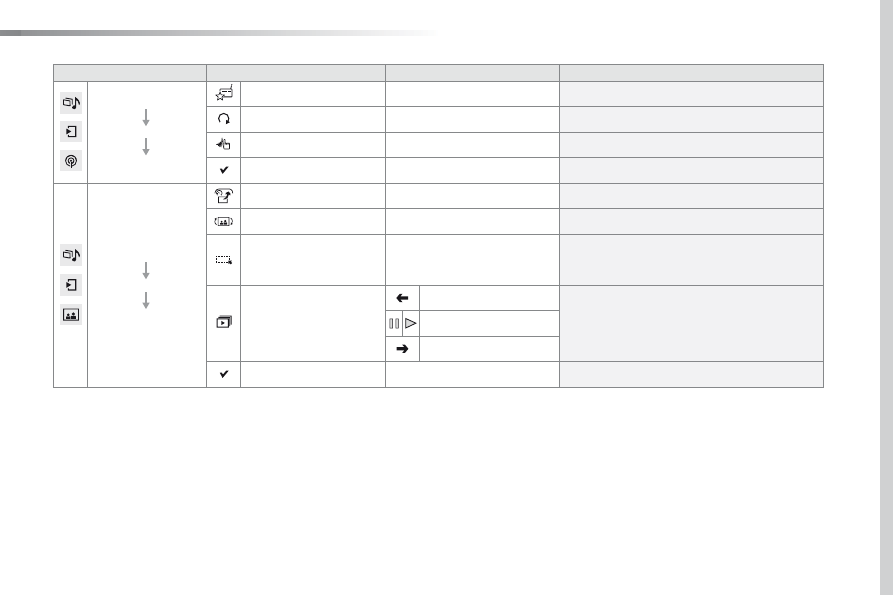
Media
Secondary page
Radio list
Save
Press a radio station to select it.
Update list
Update the list of stations received.
Frequency
Enter the desired radio frequency.
Confirm
Save the settings.
Media
Secondary page
Photos
Page selection
Display the selected photo full screen.
Rotate
Rotate the photo 90°.
Select all
Select all the photos in the list.
Press again to deselect.
Slideshow
Previous photo.
Display the photos in sequence, full screen.
Pause / Play.
Next photo.
Confirm
Save the settings.