Citroen C3 (2017 year). Manual - part 19
15
.
Audio and Telematics
Level 1
Level 2
Level 3
Comments
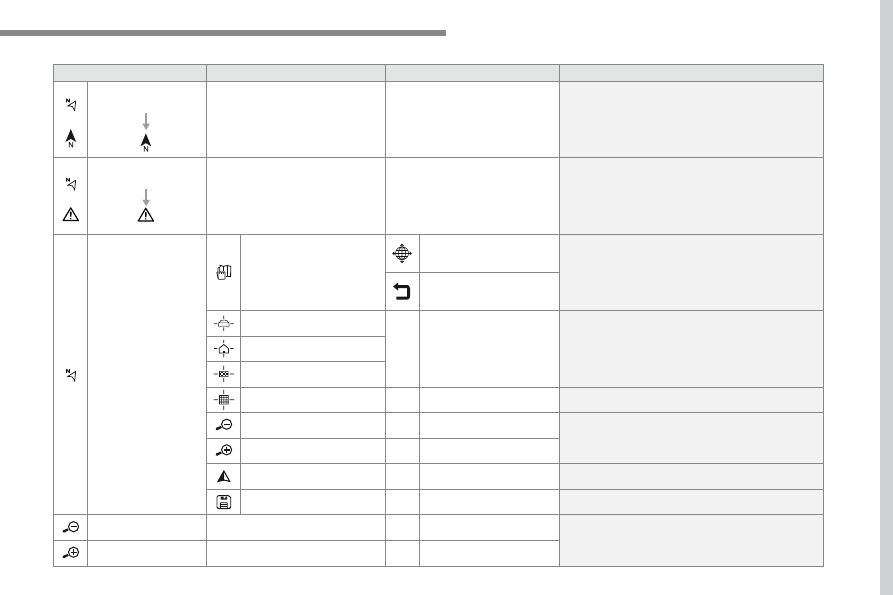
Navigation
Select the orientation of the map; north up,
vehicle direction up or perspective.
Navigation
Display the traffic information available.
Navigation
World map
Manually locate an area on the world map or enter
the latitude and longitude coordinates.
Around the vehicle
Display the location criteria selected.
Around home
Around the destination
2D mode
Switch to a 2D map.
Zoom out / zoom in using the touch buttons or
with two fingers on the screen.
Start navigation to the current address.
Save the current address.
Zoom out / zoom in using the touch buttons or
with two fingers on the screen.