Volvo XC90 Excellence (2018 year). Manual - part 31
AUDIO AND MEDIA
}}
* Option/accessory.
509
Read Terms and Conditions for Services and
Customer Privacy Policy at
support.volvocars.com before connecting.
Connecting with Bluetooth
See Connecting a phone.
Connecting with Wi-Fi
1. Activate tethering (portable/personal hot-
spot) on the mobile phone.
2. Press
Settings
in top view.
3. Continue to
Communication
Wi-Fi
.
4. Activate/deactivate by ticking/unticking the
box for Wi-Fi.
5. Tap on the network name of the network to
be connected.
6. Enter the network password.
7. If another connection source has been used
in the past - confirm the option to change
connection.
> The car connects to the network.
Note that certain phones switch off tethering
after the contact with the car has been discon-
nected, e.g. when leaving the car and until the
next time it is used. The tethering in the phone
therefore needs to be reactivated the next time it
is used.
When a phone is connected to the car, it is saved
for future use. When the maximum number of
saved phones (50) is reached, the first con-
nected phones are deleted. To show the list of
saved networks or manually delete saved net-
works, go to
Settings
Communication
Wi-Fi
Saved networks
.
For network connection requirements, see the
section “Technology and security for Wi-Fi”.
Connecting with car modem
*
5
When the car is connected to the Internet via the
car modem, Volvo On Call services will use this
connection.
1.
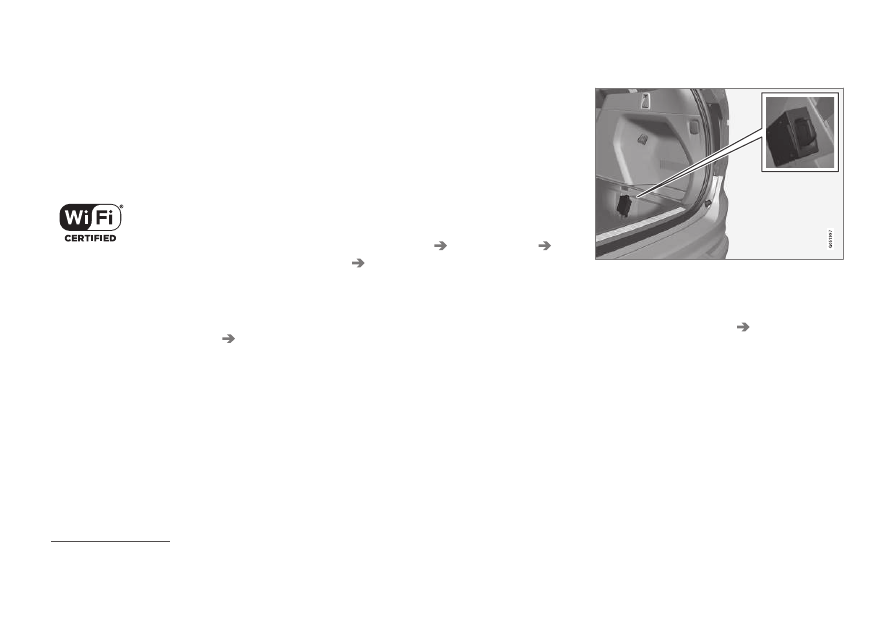
Fit a personal SIM card into the holder.
2. Press
Settings
in top view.
3. Press
Communication
Car Modem
Internet
.
4. Activate/deactivate by ticking/unticking the
box for
Car modem Internet
.
5. If another connection source has been used
in the past - confirm the option to change
connection.
6. Enter the SIM card's PIN code.
> The car connects to the network.
5
Only cars with Volvo On Call.