Suzuki Forenza (2008 year). Instruction - part 7
-------------------------------------------------------------------------------------------------------------------------------------------------------------
INSTRUMENT PANEL
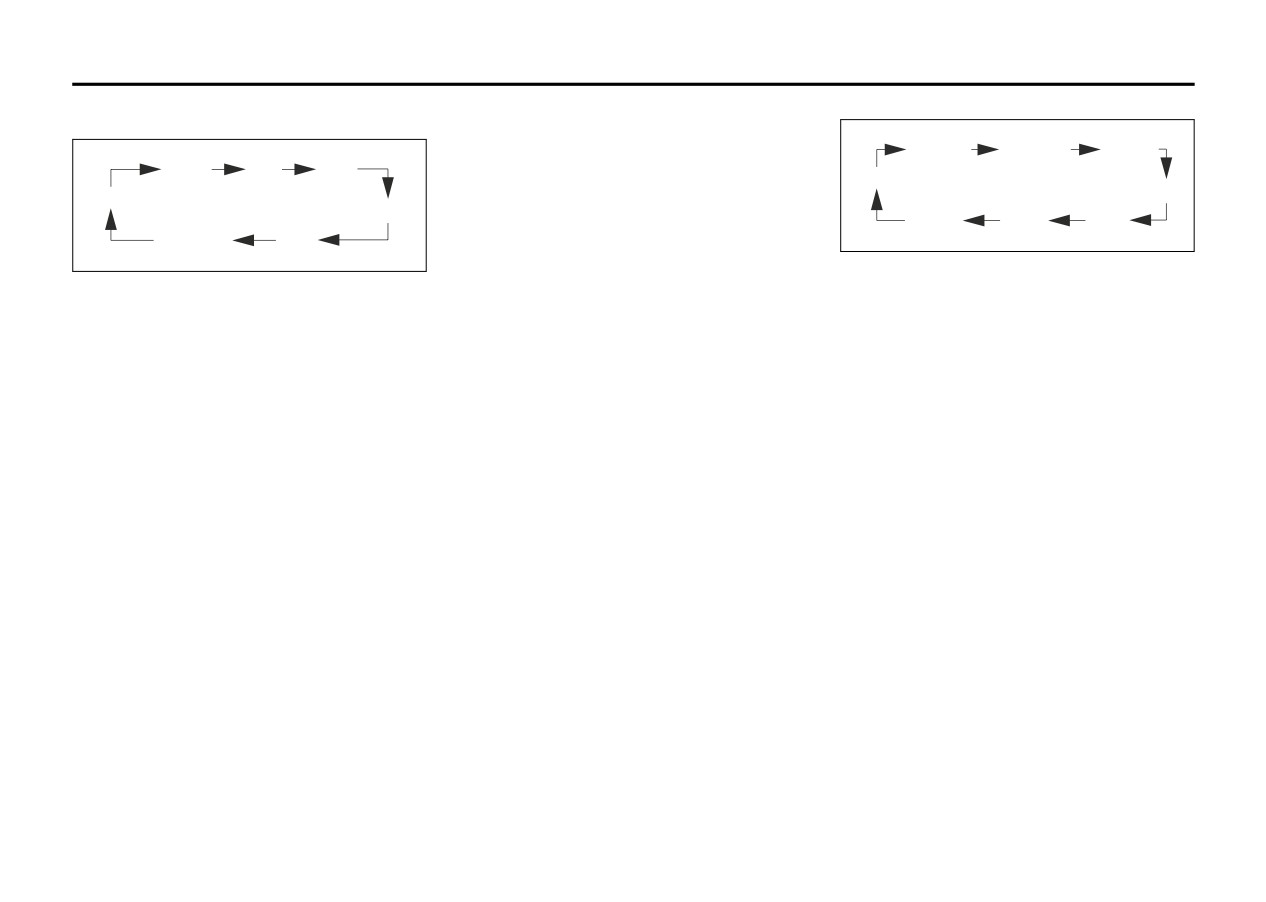
ORDER OF SOUND FUNCTIONS
Adjusting the Speakers (Balance/Fade)
To adjust the balance between the right
EQ OFF CLASSIC DANCE
and the left speakers, press this button
BASS MID
TRE
until “BAL” appears on the display. Turn the
TECHNO
VOL
volume knob to change the balance. The
ROCK
FAD
display will show the balance level. When
VOICE
POP
JAZZ
finished making the selection, press this
EQ OFF
BAL
button again to select the balance level.
84Z024
84Z023
To adjust the fade between the front and
PLAYING A CD
SOUND button (8):
rear speakers, press this button until “FAD”
Insert a CD partway into the slot, label side
appears on the display. Turn the volume
up. The player will pull it in and the CD
Setting the Tone (Bass/Mid/Treble)
knob to change the fade between the front
should begin playing. You can insert a CD
Press this button until “BAS” appears on
and rear speakers. The display will show
with the ignition off.
the display. Turn the volume knob to
the fade level. When finished making the
increase or to decrease the bass. The dis-
When the CD is inserted,
“CDP” will
selection, press this button again to select
play will show the bass level. When fin-
appear on the display. As the CD is loading
the fade level.
ished making the selection, press this
“LOADING” will appear on the display. As
button again to select the bass level.
Setting the EQ
each new track starts to play, the track and
Press this button until “EQ OFF” appears
track number will appear on the display.
Press this button until “MID” appears on
on the display to select customized equal-
the display. Turn the volume knob to
If the ignition or radio is turned off with a
ization settings designed for classic,
increase or to decrease the mid. The dis-
CD in the player, it will stay in the player.
dance, rock, jazz, pop, voice and techno.
play will show the mid level. When finished
When a CD is in the player and the ignition
Turn the volume knob until the desired
making the selection, press this button
is turned on, the radio must be turned on
equalization setting appears on the display.
again to select the mid level.
before the CD will start playback. When
When finished making the selection, press
the ignition and radio are turned on, the
Press this button until “TRE” appears on
the SOUND button again to select the
CD will start playing where it stopped, if it
the display. Turn the volume knob to
equalization setting.
was the last selected audio source.
increase or to decrease the treble. The dis-
To cancel an equalization setting, press
play will show the treble level. When fin-
The CD player can play the smaller 3 inch
the SOUND button until “EQ OFF” appears
ished making the selection, press this
(8 cm) single CDs with an adapter ring.
on the display, turn the volume knob until
button again to select the treble level. If a
Full-size CDs and the smaller CDs are
“OFF” appears on the display, then press
station is weak or noisy, decrease the tre-
loaded in the same manner.
the SOUND button again to select the
ble.
equalization setting.
If playing a CD-R, the sound quality may
be reduced due to CD-R quality, the
method of recording, the quality of the
3-32