Seat Leon (2023 year). Manual in english - page 9
Infotainment system
269
Navigation
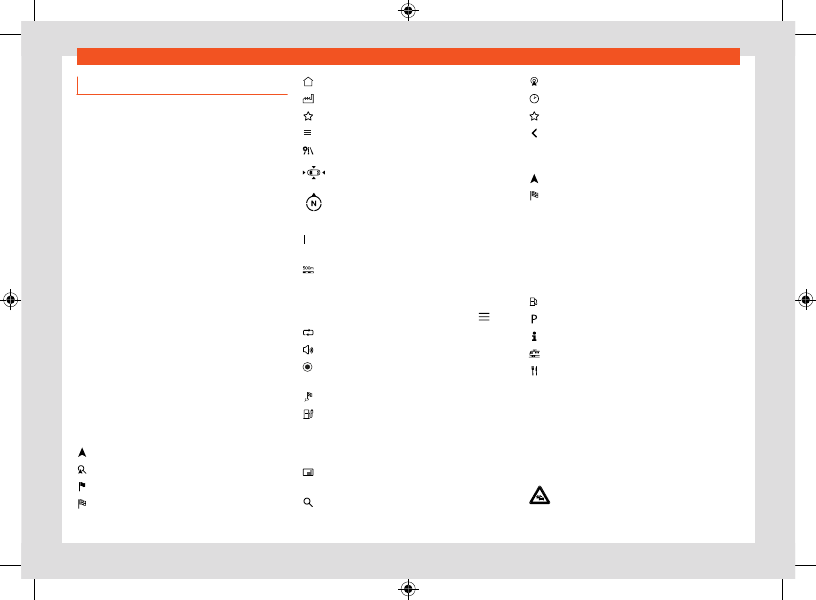
Navigation functions and symbols
Navigation
Navigation functions depend on the equipment
and country.
Functions
●
Entering the destination and route calcula-
tion (offline and online).
●
Display of two navigation maps at the same
time (screen and instrument cluster).
●
Update of online maps.
●
Predictive navigation.
●
3D urban maps.
●
Online traffic information.
●
Dynamic POIs (points of interest).
Symbols on the map
The buttons and indications depend on the set-
tings and the current driving situation.
Symbols for traffic events and points of inter-
est (POIs) are displayed on the map, for exam-
ple, petrol stations, train stations or interesting
stopovers, provided navigation has such data
Current position.
Search for destinations.
Destinations along the route.
Final destination.
Home address.
Work address.
Favourite destinations.
Additional window with more options.
Additional window with route options.
Centre the map on the current position.
Change view: 2D oriented to the north, or
2D oriented to the direction of travel, or
3D to the direction of travel.
Information about the current route guid-
ance.
Map scale.
Symbols in the additional window
●
To open the additional window, press .
Repeat the last navigation announcement.
Volume of navigation announcements.
Map lighting in Automatic, Day or Night
mode.
Offer new guidance routes.
360° electric range indicator (hybrid vehi-
cles)
Other symbols
Entering the detailed destination for an ad-
dress.
Search for destinations.
Frequent destinations.
Last destinations.
Favourite destinations.
Back
Symbols in the route details
Current position.
Destination of the current guidance.
POI symbols (points of interest)
POIs (points of interest) are shown on the map,
provided the navigation has said data.
Click on the desired POI (point of interest) to
start a route guidance
.
Petrol station.
Parking lot.
Tourist information offices.
Train station.
Restaurant.
Traffic information.
POIs (points of interest) are shown on the
map, provided the navigation has said data
Click on a traffic event to open an additional
window with further details
Slow traffic.