Renault Scenic (2018 year). Manual - part 6
1.82
ON-BOARD COMPUTER: trip settings
(3/5)
The display of information shown below DEPENDS ON THE VEHICLE EQUIPMENT AND COUNTRY.
Examples of selections
Interpreting the display selected
On-board computer with mileage-
before-service message
d) Mileage before service or oil change.
Mileage before service
With the ignition switched on, the engine not running and
the display set to “SERVICE INTERVALS”, press button OK for
approximately 5 seconds to display the mileage before service
(distance or time to the next service). When the distance value
approaches its limit, there are several possible scenarios:
–
range less than 930 miles (1,500 km) or one month: the
message “Service due in” is displayed accompanied by the
nearest term (distance or time);
–
range equal to 0 miles (0 km) or date of service reached:
the message “Service required” is displayed accompanied by
the warning light
©
.
The vehicle requires a service as soon as possible.
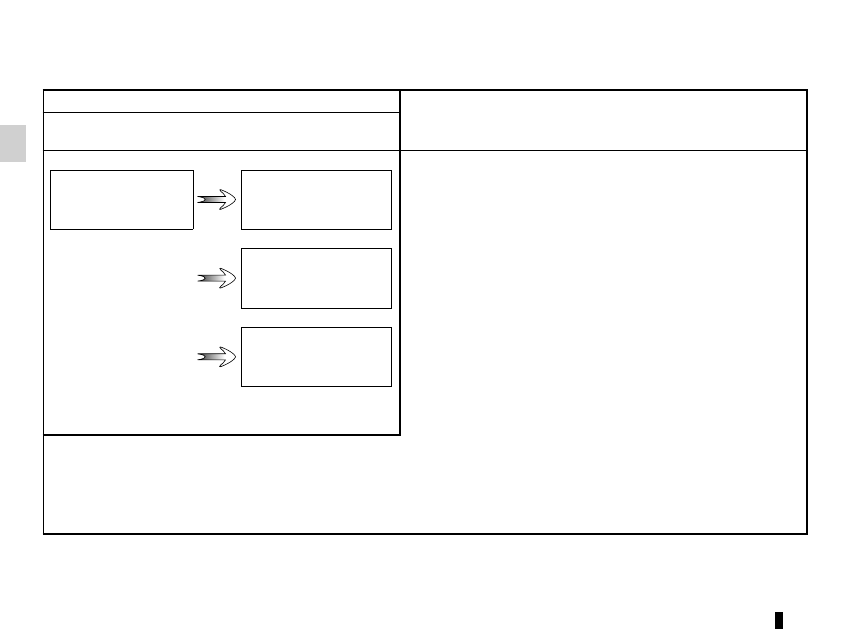
SERVICE
INTERVALS
Service in
30 000 Kms / 12 mo
Service due in
300 Kms / 24 days
Service required
Resetting: to reset the distance before service, press and hold button 2 for approximately 10 seconds until the display shows
the mileage permanently.
NB: if a service is performed without changing the engine oil, only the mileage before the next service should be reset. In the
event of an oil change, both the distance before the next service and the next oil change should be reset.