Content .. 998 999 1000 1001 ..
Nissan Qashqai (2007-2010). Manual - part 1000
DOOR REQUEST SWITCH
DLK-79
< COMPONENT DIAGNOSIS >
[WITH I-KEY, WITHOUT SUPER LOCK]
C
D
E
F
G
H
I
J
L
M
A
B
DLK
N
O
P
PASSENGER SIDE : Component Function Check
INFOID:0000000001109373
1.
CHECK FUNCTION
With CONSULT-III
Check door request switch “AS REQ SW” in Data monitor mode.
Is the inspection result normal?
YES
>> Door request switch is OK.
NO
>> Refer to
DLK-81, "BACK DOOR : Diagnosis Procedure"
PASSENGER SIDE : Diagnosis Procedure
INFOID:0000000001109374
1.
CHECK INTELLIGENT KEY UNIT INPUT SIGNAL
1.
Turn ignition switch OFF.
2.
Check voltage between Intelligent Key unit harness connector and ground.
Is the inspection result normal?
YES
>> GO TO 5.
NO
>> GO TO 2.
2.
CHECK DOOR REQUEST SWITCH CIRCUIT
1.
Disconnect Intelligent Key unit.
2.
Check continuity between Intelligent Key unit connector and door request switch connector.
3.
Check continuity between Intelligent Key unit connector and ground.
Is the inspection result normal?
YES
>> GO TO 3.
NO
>> Repair or replace harness between Intelligent Key unit and front outside handle.
3.
CHECK DOOR REQUEST SWITCH GROUND CIRCUIT
Check continuity between front door request switch connector and ground.
Is the inspection result normal?
YES
>> GO TO 4.
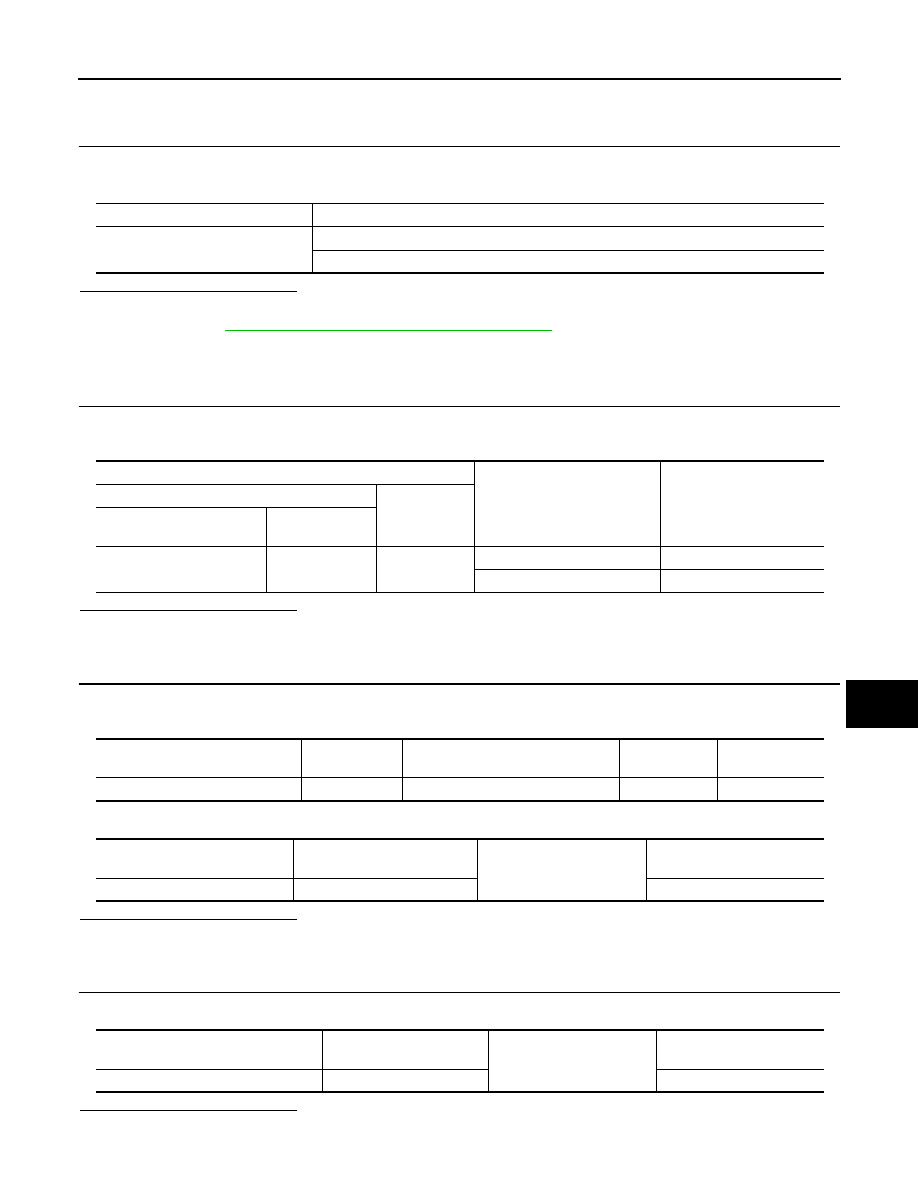
Monitor item
Condition
AS REQ SW
Door request switch is pressed
:ON
Door request switch is released
:OFF
Terminal
Door request
switch condition
Voltage (V)
(Approx.)
(+)
(–)
Intelligent Key unit
connector
Terminal
M40
25
Ground
Pressed
0
Released
5
Intelligent Key unit
connector
Terminal
Door request switch
connector
Terminal
Continuity
M40
25
D49
1
Exists
Intelligent Key unit
connector
Terminal
Ground
Continuity
M40
25
Does not exist
Door request switch
connector
Terminal
Ground
Continuity
D49
2
Exists