Mazda Tribute (2011 year). Manual - part 2
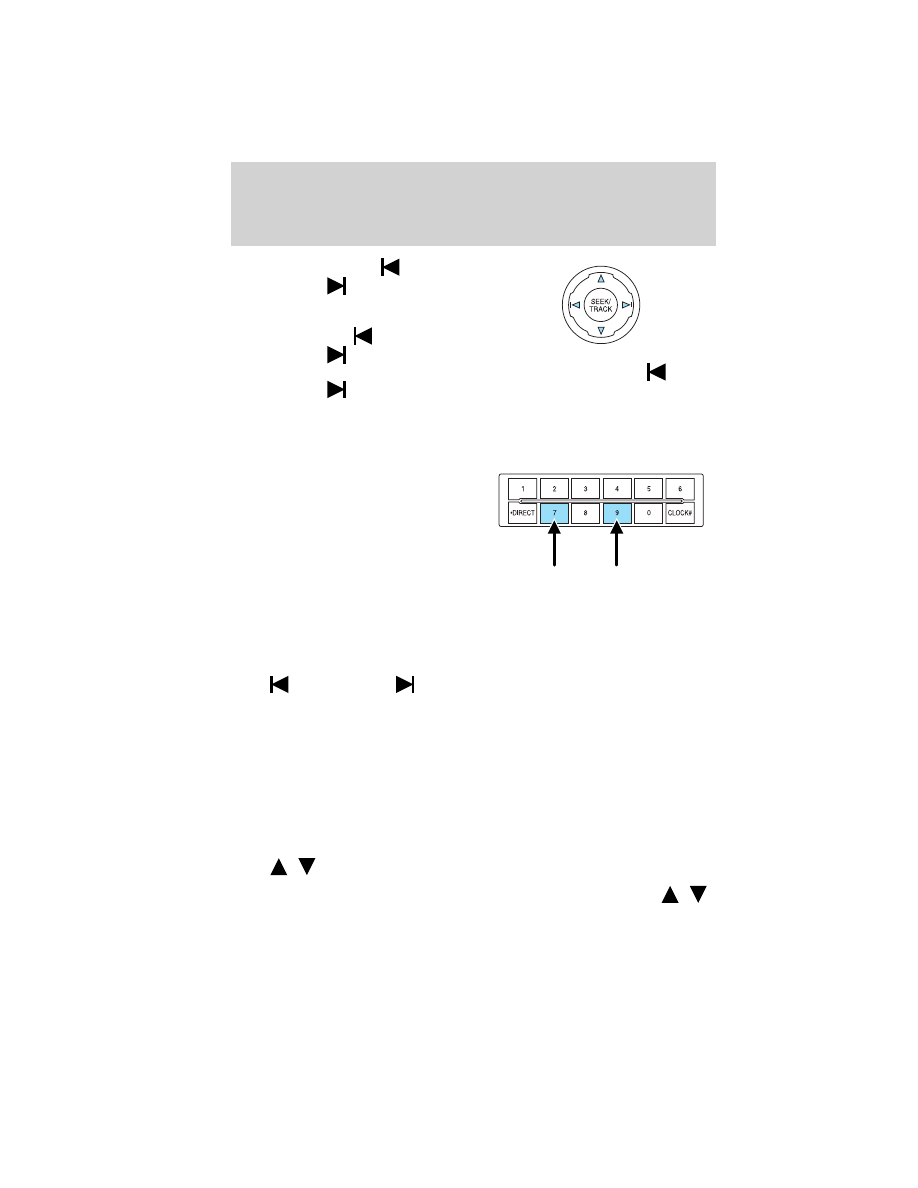
SEEK/TRACK: Press
SEEK/TRACK
to seek to the
previous/next channel. If a specific
category is selected, (Jazz, Rock,
News, etc.), press
SEEK/TRACK
to seek to the
previous/next channel in the selected category. Press and hold
SEEK/TRACK
to fast seek through the previous/next channels.
SCAN: Press SCAN for a brief sampling of all available SIRIUS
威 satellite
channels. If a specific category is selected, (Jazz, Rock, News, etc.) press
SCAN for a brief sampling of all available SIRIUS
威 satellite channels
within the selected category.
MEMORY PRESETS (0–9): There
are 30 available presets, 10 each for
SAT1, SAT2 and SAT3. To save
satellite channels in your memory
presets, tune to the desired channel
then press and hold a memory
preset number (0–9) until sound
returns.
TEXT: Press and release to display the artist and song title. While in
TEXT MODE, press again to scroll through the Artist (AR), Song (SO),
Channel (CH) and Category (CA).
In TEXT MODE: Sometimes the display requires additional text to be
displayed. When the < / > indicator is active, press TEXT and then
press
SEEK/TRACK
to view the additional display text.
CAT (Category) / FOLD (Folder): Press to switch between turning
the most recently selected satellite radio category on or off. The category
icon (CAT) will illuminate in the display when a specific category is
selected (the icon will not illuminate during CATEGORY ALL). If no
category has ever been selected, NO CATEGORY SELECTED will display.
Note: Separate categories can be set for SAT1, SAT2 or SAT3.
Refer to Satellite radio menu for further information on selecting a
satellite radio category.
SATELLITE RADIO MENU: Press MENU when satellite radio mode is
active to access. Press OK to enter into the satellite radio menu.
Press
/
to cycle through the following options:
• CATEGORY MENU- Press OK to enter category mode. Press
/
to scroll through the list of available SIRIUS
威 channel Categories (Pop,
Entertainment Systems
24
2011 Tribute (j14)
Owners Guide, 1st Printing
USA (fus)