Jeep Grand Cherokee SRT (2018 year). Manual - part 33
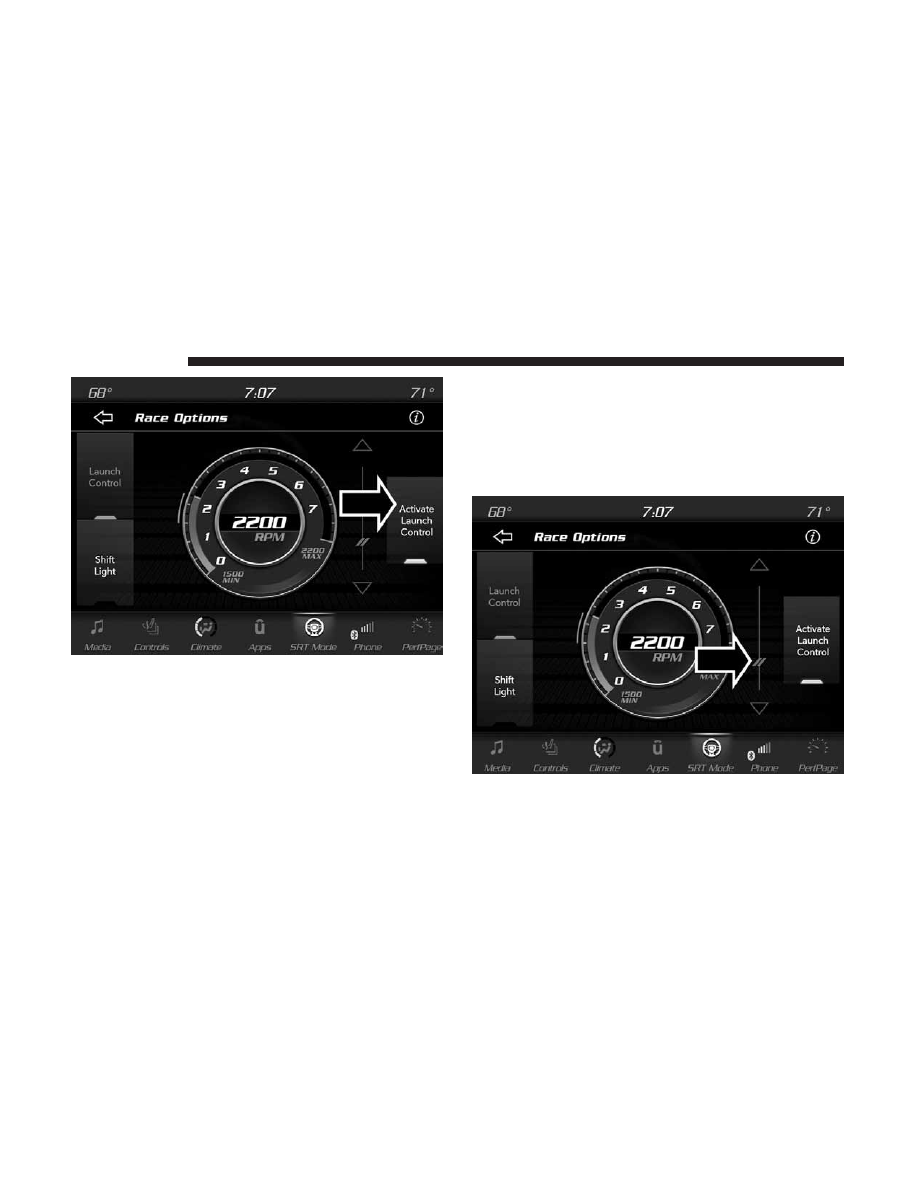
Launch Control can be accessed by pushing the Launch
button on the Selec-Track switch or pushing the SRT button
on the Selec-Track switch then selecting the “Race Options”
button on the touchscreen. Press the “Activate Launch
Control” button on the touchscreen to activate the feature.
Press the “Launch RPM Set-Up” to set the holding RPM.
Launch Mode can be turned on or off by either pushing the
Launch Control button on the Selec-Track Switch, or by
pressing the “Cancel Launch Mode” button on the touch-
screen.
NOTE:
Launch RPM Set-Up cannot be accessed unless
Launch Mode is deactivated.
Activate Launch Control
Launch RPM Set-Up
512
MULTIMEDIA