Jeep Compass (2019 year). Manual - part 33
Voice Text Reply — If Equipped
Uconnect announces incoming text messages. Push the VR
button
or Phone button
(if enabled) and say
“ Listen.” (Must have compatible mobile phone paired
to Uconnect system.)
1. Once an incoming text message is read to you, push the
VR button
or Phone button
(if enabled). After
the beep, say: “ Reply.”
2. Listen to the Uconnect prompts. After the beep, repeat
one of the pre-defined messages and follow the system
prompts.
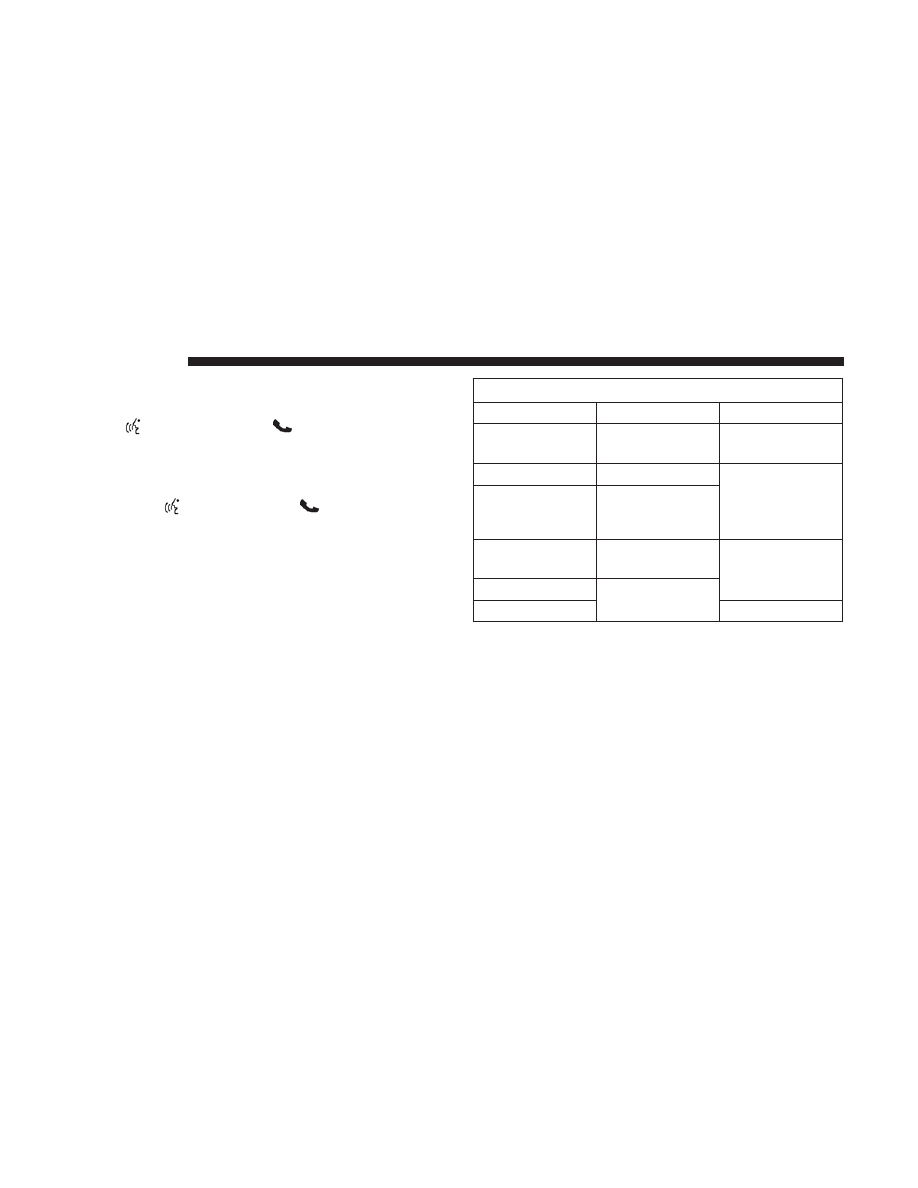
PRE-DEFINED VOICE TEXT REPLY RESPONSES
Yes.
Stuck in traffic.
See you later.
No.
Start without
me.
I’ll be late.
Okay.
Where are you?
I will be 5 <or
10, 15, 20, 25, 30,
45, 60> minutes
late.
Call me.
Are you there
yet?
I’ll call you later.
I need
directions.
See you in 5 <or
10, 15, 20, 25, 30,
45, 60> minutes.
I’m on my way.
Can’t talk right
now.
I’m lost.
Thanks.
NOTE:
Only use the numbering listed, otherwise the
system does not transpose the message.
TIP:
Your mobile phone must have the full implementation
of the Message Access Profile (MAP) to take advantage of
this
feature.
For
details
about
MAP,
visit
516
MULTIMEDIA