Content .. 1478 1479 1480 1481 ..
Isuzu KB P190. Service manual - part 1480
11A-22 IMMOBILIZER SYSTEM (C24SE, 4JA1-T)
8. Select "Next" in the TIS 2000 screen and wait a
few seconds.
9. When programming is enabled (Approved), then
press "close" in the TIS 2000 screen.
(Finish the "TIS 2000" operation.)
10. Select "Program Immobilizer Function" on Tech-2
display.
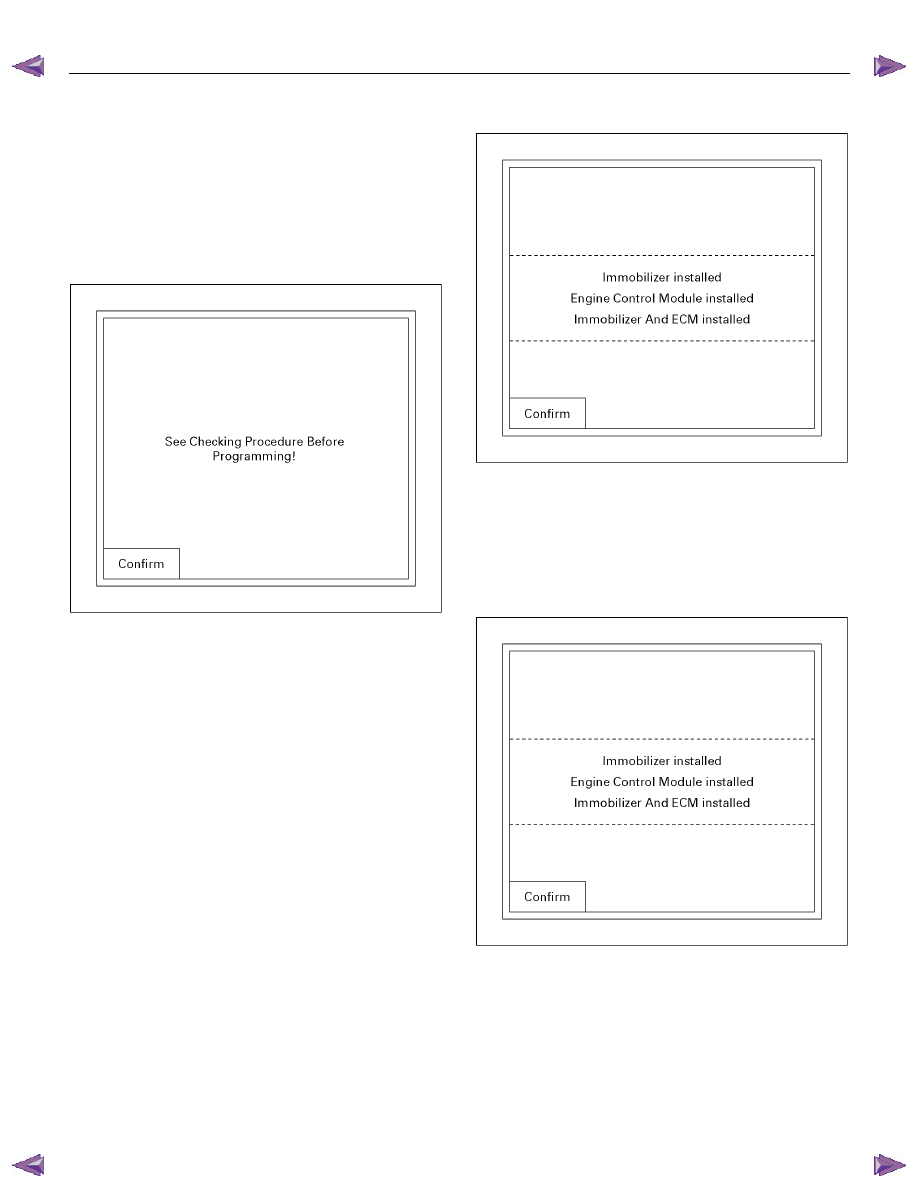
11. The following screen shows up.
060R200289
12. Confirm the following screen shows up.
13. Input the security code, then press the soft key of
"Not Okay" or "Okay".
14. Select the engine type then, press "Enter" key.
15. Input a program option, by moving the cursor on
the selection, then press "Enter" key.
• Programming ICU
• Programming ECM
• Programming ICU and ECM
• Programming ICU and ECM
060R200283
Programming ICU
1. Follow Programming Immobilizer Function steps 1
through 14.
2. Input a program option, by moving the cursor on
the selection, then pres "Enter" key.
060R200283
3. Enter the security code.