Honda Civic (2019 year). Manual - part 26
400
uu
Bluetooth® HandsFreeLink®
u
HFL Menus
Features
■
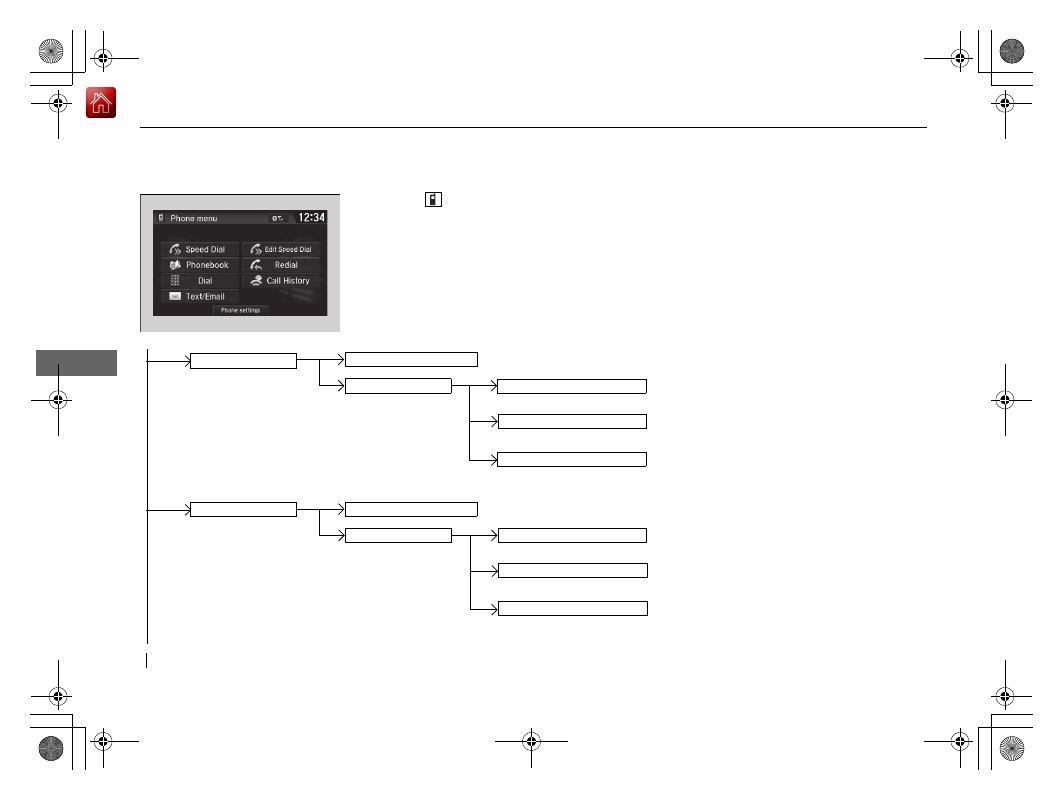
Phone menu screen
1. Press the
button.
2. Select MENU.
Select a phone number from the call history to
store as a speed dial number.
Speed Dial
Manual Input
New Entry
Import from Call History
Import from Phonebook
Select a phone number from the phonebook
to store as a speed dial number.
Enter a phone number to store as a speed
dial number.
(Existing entry list)
Dial the selected number in the speed dial list.
Select a phone number from the call history to
store as a speed dial number.
Manual Input
New Entry
Import from Call History
Import from Phonebook
Select a phone number from the phonebook
to store as a speed dial number.
Enter a phone number to store as a speed
dial number.
(Existing entry list)
Dial the selected number in the speed dial list.
Edit Speed Dial